










Frontend performance monitoring for Vue.js involves tracking what real users experience in their browsers: how fast pages load, how responsive components are to interaction, how often errors surface, and what happens in sessions that end in frustration. The metrics that matter most are the Core Web Vitals defined by Google: Largest Contentful Paint (LCP) for load speed, Interaction to Next Paint (INP, which replaced First Input Delay as a Core Web Vital in March 2024) for interactivity, and Cumulative Layout Shift (CLS) for visual stability.
Vue-specific monitoring goes beyond generic JavaScript RUM. The right tools track Vue Router navigation events as separate page views in SPAs, surface component-level render performance as spans, and correlate frontend errors with the Vue component tree. They also connect browser-side behavior to backend API traces, so a slow API call can be traced from the Vue component that triggered it to the server-side span that caused the delay.
This guide covers the best frontend performance monitoring tools for Vue.js in 2026, with features and pricing verified from each tool’s own documentation and website.
Key Takeaways
- Core Web Vitals (LCP, INP, CLS) are the foundation of frontend performance monitoring. INP replaced FID as a Core Web Vital in March 2024.
- Vue-specific monitoring needs to track Vue Router navigations as page views, component lifecycle spans, and Vue error handler integration.
- CubeAPM is a self-hosted, OpenTelemetry-native platform supporting Vue.js RUM, Core Web Vitals, session replay, and full-stack APM trace correlation at $0.15/GB ingested.
- Sentry’s Vue SDK tracks component lifecycle hooks (activate, mount, update) as named spans (ui.vue.[hook]), alongside Web Vitals, session replay, and distributed tracing. Team plan starts at $29/month.
- PostHog provides Vue.js session replay, error tracking, and web vitals (FCP, LCP, INP, CLS) with a free tier of 5,000 session recordings and 100,000 error exceptions per month, no credit card required.
- Datadog’s RUM Vue plugin requires Vue v3.5+ and Vue Router v4+, providing automatic route change detection, dynamic route normalization, and Vue component error reporting. Billed per 1,000 sessions ingested.
- Vue 3.5.33 is the current stable release as of April 2026.
What Vue.js-specific features should your monitoring tool support?
Before comparing tools, it is worth establishing what Vue-specific frontend performance monitoring requires beyond generic browser RUM.
- Core Web Vitals from real users: LCP, INP, CLS, FCP, and TTFB collected from actual visitor browsers across different devices, networks, and geographies.
- Vue Router SPA navigation tracking: Vue.js applications are typically single-page applications where the browser URL changes without a full page reload. Your monitoring tool needs to detect Vue Router navigation events and record each route as a separate page view with its own performance timeline.
- Vue component render spans: The most valuable Vue-specific monitoring surfaces component lifecycle performance as distributed trace spans, making it possible to identify which specific component is slow during mount or update and contributing to poor LCP or INP scores.
- Vue error handler integration: Vue has its own global error handler (app.config.errorHandler) that catches errors thrown inside components. Tools that hook into this capture Vue component stack traces alongside JavaScript errors.
- Frontend-to-backend trace correlation: Connecting a slow Vue component render or API call to the backend service span that caused the delay.
1. CubeAPM

CubeAPM is a self-hosted, OpenTelemetry-native APM and observability platform supporting Vue.js frontend performance monitoring alongside full-stack application observability. Its RUM platform page confirms Core Web Vitals, session replay, frontend error tracking, and backend trace correlation as features.
Features
- Core Web Vitals tracking (LCP, INP, CLS) from real user sessions on Vue.js applications
- Vue Router SPA navigation tracking as distinct page views with performance timelines
- Session replay for debugging UI and UX issues in real user sessions
- Frontend error tracking: auto-groups JavaScript and TypeScript errors from Vue apps with stack traces and session impact context
- Full-stack trace correlation: link a slow Vue component or API call to the backend service trace that caused it
- Browser logs capture (console and network logs from Vue apps) for contextual debugging
- OpenTelemetry-native: uses the OTel browser SDK for standardized browser-to-backend trace continuity
- Self-hosted inside your VPC; telemetry data never leaves your infrastructure
- Smart sampling to reduce storage costs without losing critical error and latency signals
Pricing: $0.15/GB of data ingested. No per-user, per-session, or per-host fees.
Limitations: Requires self-hosting and infrastructure management. Not open-source.
Best for: Vue.js teams that want frontend RUM, Core Web Vitals, session replay, and backend APM trace correlation in a single self-hosted platform with predictable ingestion-based pricing that does not scale with user session volume.
2. Sentry
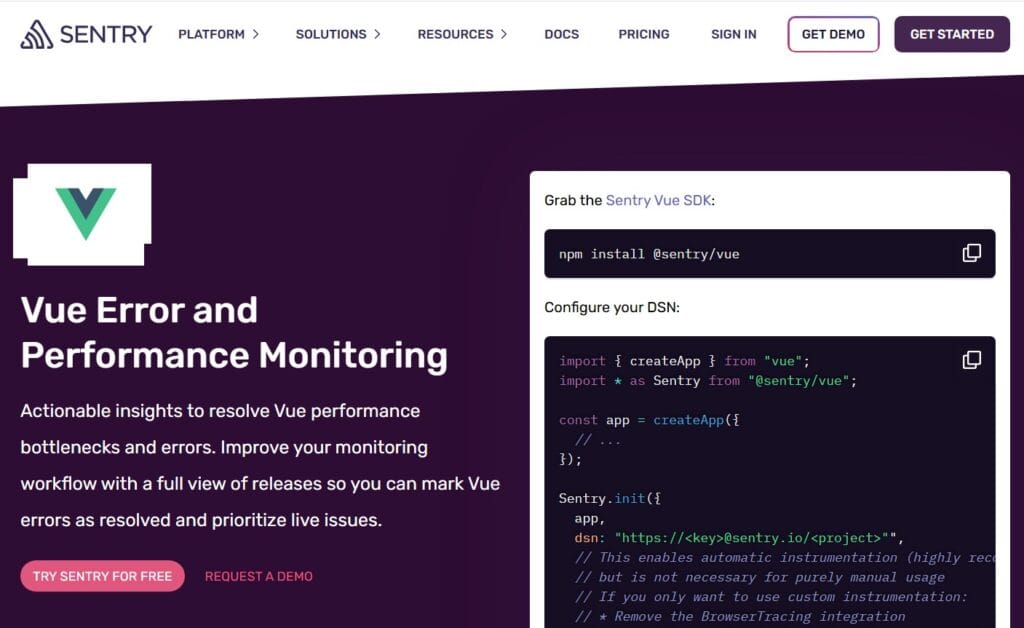
Sentry has a dedicated Vue SDK (@sentry/vue) with Vue-specific features.
Features
- Vue component tracking: The Vue SDK creates spans representing component lifecycle events. The root component render on initial page load appears as a ui.vue.render span. Child components create spans named ui.vue.[hook] — for example, ui.vue.mount for the time between beforeMount and mounted. The default set of tracked lifecycle hooks is [‘activate’, ‘mount’, ‘update’]. Available hooks in Vue 3 are activate, create, unmount, mount, and update. Component tracking is disabled by default and enabled via tracingOptions.trackComponents.
- Vue Router integration: Configured via browserTracingIntegration({ router }), which tracks Vue Router navigations as separate page load and navigation transactions.
- Web Vitals: LCP, INP, CLS, FCP, and TTFB collected from real user traffic. INP is collected at no additional cost from SDK v8.x onwards. Page loads capture LCP, CLS, and TTFB; user interactions capture INP. Web Vitals are surfaced in the Web Vitals dashboard in Sentry Dashboards and used to calculate a Performance Score per page.
- Session replay: Video-like reproduction of user sessions, with traces visible in the replay timeline. Logs emitted during a replay are automatically linked. All DOM text, images, and user input are masked by default.
- Distributed tracing: Frontend-to-backend trace correlation via tracePropagationTargets. Sentry attaches sentry-trace and baggage headers to outgoing XHR and Fetch requests to link frontend spans to backend spans.
- Error monitoring: Captures JavaScript errors, uncaught exceptions, and unhandled rejections with full stack traces and Vue component context.
Pricing:
- Developer (free): 1 member, 1 project, limited monthly volume
- Team: $29/month. Includes 50,000 errors, 5M spans, 50 replays, 5GB logs, 5GB application metrics per month
- Business: $89/month. Same base volumes with higher per-event overage rates and additional enterprise features
- Additional replays, spans, and errors are covered by reserved volume or a pay-as-you-go budget
Limitations: Event-based pricing across multiple categories can become unpredictable at scale. The free Developer plan supports only 1 member and 1 project.
Best for: Vue.js frontend engineers who need dedicated component-level lifecycle span tracking, error monitoring with session replay, and distributed tracing from Vue frontend to backend services.
3. PostHog
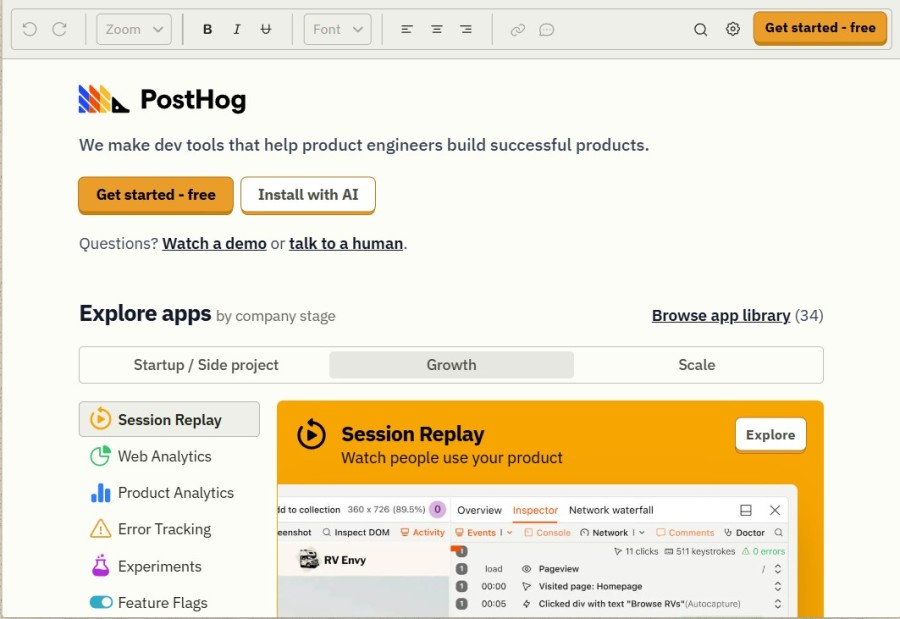
PostHog has a dedicated Vue.js guide at PostHog’s Vue.js docs covering both Vue 2 and Vue 3. The official docs show error handler integration via app.config.errorHandler = (err) => posthog.captureException(err) as the recommended Vue error capture pattern.
Features
- Vue 2 and Vue 3 support: Initializes via the Composition API for Vue 3 or as a plugin for Vue 2. A usePostHog composable provides access throughout the application.
- Session replay: Records browser sessions including console logs, network requests with timing, DOM state, rage clicks, and user interactions. Linked directly to associated error events and feature flag variants.
- Web vitals: PostHog automatically captures FCP, LCP, INP, and CLS as $web_vitals events from real user sessions, viewable in the Web Vitals dashboard.
- Error tracking: Exception autocapture via app.config.errorHandler integration. 100,000 exceptions per month free, no credit card required. Errors link to the associated session replay.
- Product analytics: Autocapture of clicks, page views, and form submissions. Custom events, funnels, retention, and user path analysis.
- Feature flags: Toggle features per user or group, with replays and analytics scoped to flag variants.
- Network performance: Network requests captured in session replays with timing breakdown, status codes, and response sizes.
Pricing:
- Free tier (no credit card required): 1M analytics events, 5,000 session recordings, 100,000 error exceptions, 1M feature flag requests per month
- Session replay: $0.005/recording (5k–15k), $0.0035/recording (15k–50k), reducing to $0.0015/recording at 500k+
- Error tracking: $0.000370/exception (100k–325k), reducing at higher volumes
- Analytics events: $0.00005/event (1M–2M range after free tier)
Limitations: Session replay data retention is 1 month on the free plan and 3 months on paid plans. PostHog does not provide Vue component-level lifecycle span tracking as granular as Sentry. Frontend-to-backend distributed tracing is listed as in alpha.
Best for: Vue.js product and engineering teams that want session replay, web vitals, error tracking, and product analytics in one platform with the most generous free tier available.
4. Datadog
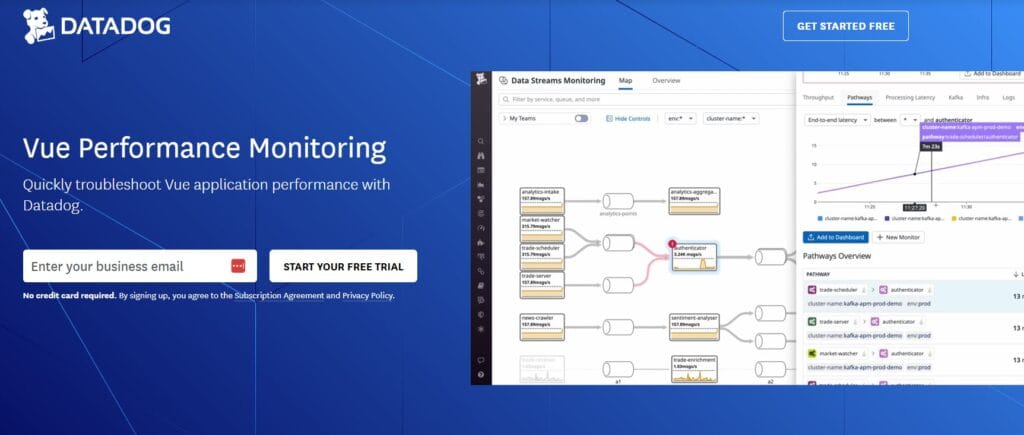
Datadog has a dedicated Vue plugin for its RUM Browser SDK documented at Datadog’s Vue RUM integration docs. This integration requires Vue v3.5+ and Vue Router v4+.
Features
- Vue-specific instrumentation: The @datadog/browser-rum-vue package provides automatic route change detection using Vue Router v4, view name normalization (mapping /users/123 to /users/:id), and Vue error reporting via addVueError as app.config.errorHandler with full component stack traces.
- Core Web Vitals: LCP, INP, CLS, FCP, and TTFB collected from real user traffic. A performance waterfall is available in the RUM Explorer for every view event. The RUM Optimization page provides Core Web Vitals breakdowns by browser, region, and app version.
- Session replay: DOM snapshot-based session recording linked to RUM sessions and APM traces.
- APM trace correlation: XHR and Fetch requests automatically linked to backend APM traces via the out-of-the-box APM integration.
- Watchdog Insights: Automatic anomaly detection surfacing performance outliers and error clusters in the RUM Explorer.
Pricing: Billed per 1,000 sessions ingested. The specific per-1,000-session rate is not published on Datadog’s public documentation; see Datadog’s pricing page or contact Datadog sales for current rates.
Limitations: The Vue plugin requires Vue v3.5+ and Vue Router v4+; Vue 2 is not supported. Per-session billing can be unpredictable at high traffic volumes. No self-hosted option.
Best for: Enterprise Vue.js teams already using Datadog for infrastructure and backend APM who want frontend RUM integrated with their existing setup.
Comparison table
| Tool | Vue SDK | Component render spans | Core Web Vitals | Session replay | Backend trace correlation | Self-hosted | Free tier |
| CubeAPM | Yes | Yes (via OTel) | Yes (LCP, INP, CLS) | Yes | Yes | Yes | No |
| Sentry | Yes (@sentry/vue) | Yes (ui.vue.[hook] spans) | Yes (LCP, INP, CLS, FCP, TTFB) | Yes | Yes | No | Yes (limited) |
| PostHog | Yes (Vue 2 + 3) | No | Yes (FCP, LCP, INP, CLS) | Yes | Alpha | No | Yes (5K replays, 100K exceptions/mo) |
| Datadog RUM | Yes (Vue 3.5+, Router v4+) | No | Yes (LCP, INP, CLS, FCP, TTFB) | Yes | Yes | No | No |
Which Vue.js frontend performance monitoring tool should you choose?
- Choose CubeAPM if you want Vue.js RUM, Core Web Vitals, session replay, and full-stack APM trace correlation in a single self-hosted platform, with ingestion-based pricing that does not scale with session volume.
- Choose Sentry if you need Vue component-level lifecycle span tracking (ui.vue.mount, ui.vue.update), error monitoring with session replay, and distributed tracing from Vue frontend to backend services. Sentry’s Vue SDK has the deepest Vue-specific instrumentation of any tool in this comparison.
- Choose PostHog if you want Vue.js session replay, web vitals, error tracking, and product analytics in one platform with the most generous free tier: 5,000 recordings and 100,000 exceptions per month with no credit card required. Best for teams also using feature flags and A/B experiments.
- Choose Datadog RUM if your team already uses Datadog for infrastructure and backend APM and needs Vue frontend monitoring integrated with your existing setup. Requires Vue v3.5+ and Vue Router v4+.
Summary
Frontend performance monitoring for Vue.js requires Core Web Vitals from real users, Vue Router navigation tracking for SPA page views, session replay for debugging user-facing issues, and backend trace correlation for end-to-end visibility.
CubeAPM provides the most cost-predictable full-stack option with self-hosted deployment, session replay, and no per-session fees. Sentry provides the deepest Vue-specific instrumentation with component lifecycle spans. PostHog provides the most generous free tier. Datadog provides the most mature enterprise managed RUM for teams already on the Datadog platform.
| Tool | Best for | Free tier | Self-hosted |
| CubeAPM | Full-stack APM + RUM + session replay, ingestion-based pricing | No | Yes |
| Sentry | Vue component lifecycle spans, error tracking, and session replay | Yes (limited) | No |
| PostHog | Session replay + product analytics, generous free tier | Yes (5K replays, 100K exceptions/mo) | No |
| Datadog RUM | Enterprise managed RUM, existing Datadog users | No | No |
Disclaimer: Features and pricing are verified from official vendor documentation as of June 2026: Sentry’s Vue platform guide, Sentry’s pricing docs, PostHog’s Vue.js docs and PostHog’s pricing page, Datadog’s Vue RUM integration docs and Datadog’s RUM billing docs, and CubeAPM’s RUM platform page and pricing page. Always verify current pricing and feature availability directly with each vendor before making purchasing decisions.
Also read:
Best Cloud Security Monitoring Tools for Cloud Environments in 2026