




PagerDuty’s pricing model has a compounding problem. Its per-user licensing means a 20-person on-call rotation pays $420/month minimum on the Professional plan before adding any automation features, analytics, or AIOps capabilities. That same team scaling to 50 engineers during growth sees the baseline cost jump to $1,050/month, with the full-featured Enterprise tier reaching $70,000 annually for larger organizations.
Beyond the seat tax, PagerDuty’s feature gating creates a second cost layer. Critical capabilities like automated diagnostics, event intelligence, and advanced analytics sit behind higher tier paywalls or separate product SKUs. A CNCF survey from 2024 found that 68% of organizations now run multi-cloud or hybrid infrastructure, but PagerDuty’s pricing treats each integration and automation layer as an upsell opportunity rather than baseline functionality.
This guide breaks down PagerDuty’s pricing model, documents hidden costs teams discover after signing up, and compares alternatives that offer transparent pricing without per-seat fees. If you want to model your incident management costs before reading further, the PagerDuty pricing calculator shows exactly how pricing scales with team size and feature requirements.
What Is PagerDuty?
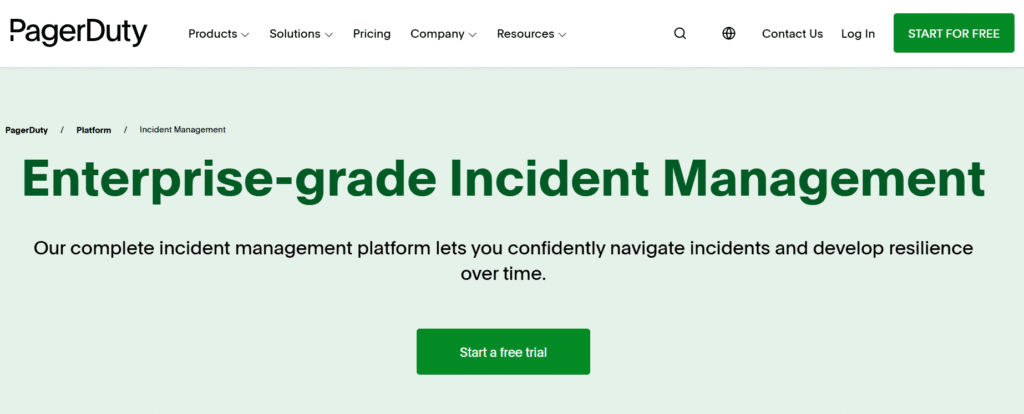
PagerDuty is a cloud-based incident management platform that centralizes alerts from monitoring tools, routes them to on-call engineers, and orchestrates response workflows. It connects to monitoring systems like Datadog, New Relic, or Prometheus, aggregates alerts, applies escalation policies, and tracks incident resolution from detection through postmortem.
The platform launched in 2009 as an on-call scheduling and alerting tool. Over 15 years, it expanded into a full incident response platform covering event management, automated diagnostics, status pages, and postmortem workflows. Today PagerDuty positions itself as a digital operations management platform rather than just an alerting tool.
PagerDuty sits between your monitoring stack and your engineering team. When an alert fires in Datadog or a synthetic check fails in Pingdom, PagerDuty receives that event, applies routing rules, pages the on-call engineer via SMS, push notification, or phone call, and tracks acknowledgment. If the first responder does not acknowledge within a defined window, PagerDuty escalates to the next person in the rotation.
The platform also offers incident collaboration features: stakeholder notifications, war room chat integration with Slack or Microsoft Teams, automated runbook execution, and post-incident analytics. Higher tiers add AIOps capabilities like event correlation to reduce alert noise and predictive analytics to surface incidents before they impact users.
For teams running distributed systems, PagerDuty aims to be the single pane of glass for all operational incidents. But that centralization comes at a cost that compounds as teams scale.
How PagerDuty Pricing Works
PagerDuty uses per-user-per-month pricing across three main tiers: Professional, Business, and Enterprise. Each tier gates access to features, with critical capabilities like event intelligence and advanced analytics only available at higher price points.
Professional Plan: $21/user/month
The Professional plan covers basic incident management: on-call scheduling, escalation policies, mobile app access, integrations with 700+ monitoring tools, and basic reporting. A 10-person on-call rotation pays $210/month or $2,520 annually.
This tier works for small teams with straightforward on-call needs. But it lacks event intelligence to reduce alert noise, automated diagnostics to speed triage, and advanced analytics to track MTTD and MTTR trends. Those features sit behind the Business tier paywall.
This estimate assumes standard Professional plan pricing. Teams with custom SLAs or specific compliance requirements may see higher costs.
Business Plan: $41/user/month
The Business plan adds event intelligence for alert deduplication and correlation, stakeholder management for broader notification distribution, and advanced analytics dashboards. The same 10-person team now pays $410/month or $4,920 annually, a 95% increase over Professional.
Event intelligence becomes critical at scale. Without it, a single infrastructure issue can trigger 50 duplicate alerts across different monitoring tools, paging engineers repeatedly for the same root cause. Event intelligence groups related alerts into a single incident, but PagerDuty gates this behind the Business tier rather than including it as baseline functionality.
This estimate reflects Business plan pricing. Additional costs for integrations, automation actions, or API usage are not included.
Enterprise Plan: Custom Pricing
The Enterprise plan is sold through direct sales with pricing starting around $70,000 annually for mid-sized organizations. It includes everything in Business plus advanced automation, SAML-based single sign-on, dedicated account management, and custom SLAs.
Enterprise pricing is not transparent. Teams must contact sales for a quote, and the final price depends on user count, feature requirements, and negotiation. PagerDuty’s sales process is documented on Reddit and other forums as lengthy and often resulting in quotes that are 2 to 3 times higher than initial estimates.
Hidden Costs Most Teams Discover After Signing Up
PagerDuty’s headline pricing excludes several cost layers that appear after implementation. These are not technically hidden, they are disclosed in product documentation, but they are not visible in the pricing page calculator or tier comparison charts.
Process Automation Actions: $4 per 1,000 actions
PagerDuty’s automation capabilities, marketed as a way to reduce toil and speed incident response, are billed separately. Each automated action, whether running a diagnostic script, restarting a service, or updating a ticket in Jira, consumes an action credit. A team running 50,000 automated actions monthly pays an additional $200 on top of their base subscription.
This pricing model creates a perverse incentive. Automation is supposed to reduce manual work, but PagerDuty charges per execution rather than making it a flat-rate feature. Teams on Reddit have documented deliberately limiting automation usage to avoid surprise charges, defeating the purpose of the feature.
Event Intelligence Processing: Billed per event after thresholds
Event intelligence, the feature that deduplicates and correlates alerts, has usage limits even on the Business and Enterprise tiers. PagerDuty discloses these limits in support documentation but not prominently on pricing pages. Exceeding event processing thresholds triggers overage charges based on event volume.
A team migrating from a basic alerting tool to PagerDuty often underestimates event volume. A Kubernetes cluster with node-level monitoring, pod health checks, and application traces can generate 100,000+ events monthly during normal operation. If that volume exceeds plan limits, the overage charges show up as a line item at month-end.
Per Seat Licensing for Read-Only Users
PagerDuty’s per-user pricing applies to every user who needs access to the platform, even if they only need read-only visibility into incidents for context. A product manager who wants to see incident trends or a finance leader tracking uptime for customer SLAs each require a paid seat.
Competitors like Opsgenie and Squadcast offer free observer or stakeholder roles that can view incidents without consuming a license. PagerDuty does not. A 30-person engineering team that needs 10 additional stakeholders with view-only access pays for 40 seats, not 30.
Integration and API Rate Limits
PagerDuty markets 700+ integrations as a core strength, but some integrations have rate limits or require custom development on the Enterprise tier. Teams integrating PagerDuty with internal tools via API may hit rate limits that require upgrading or paying for additional API capacity.
This is not a transparent cost. The pricing page does not specify API rate limits by tier. Teams discover limits only after implementation, and resolving them often requires moving to a higher tier or negotiating custom capacity.
PagerDuty Pricing Scenarios: What Teams Actually Pay
To understand real-world costs, we modeled three team profiles based on publicly available pricing and documented experiences from engineering teams on Reddit and GitHub.
Small Team: 10 engineers, basic on-call
Assumptions: 10 on-call engineers, Professional plan, basic integrations with Datadog and Slack, no automation, standard event volume.
Monthly cost: $210/month or $2,520 annually
What you get: On-call scheduling, escalation policies, mobile alerts, basic reporting
What you miss: Event intelligence, automated diagnostics, advanced analytics, stakeholder notifications
This setup works for early-stage startups with simple infrastructure. But as soon as the team needs to reduce alert noise or automate triage, they hit the Business tier paywall.
This estimate assumes Professional plan pricing. Additional costs for custom integrations or exceeding event limits are not included.
Mid-sized Team: 30 engineers, automation and analytics
Assumptions: 30 on-call engineers, Business plan, event intelligence enabled, 25,000 automation actions monthly, 10 additional stakeholder seats.
Monthly cost: $1,640/month or $19,680 annually
Breakdown: Base subscription: 40 seats × $41 = $1,640/month Automation actions: 25,000 actions = $100/month (if billed separately)
What you get: Full incident management, event intelligence, automation, advanced analytics, stakeholder notifications
What you miss: Custom SLAs, advanced security features, dedicated support
This profile represents a typical Series B SaaS company. The jump from Professional to Business doubles per-seat cost, and automation usage adds another layer of charges.
This estimate models a production-ready setup with automation and stakeholder access. Overage charges for exceeding event processing limits are not reflected here.
Enterprise Team: 100+ engineers, full platform
Assumptions: 100 on-call engineers, Enterprise plan, full automation, custom integrations, SSO, dedicated account manager.
Annual cost: $70,000 to $100,000 annually (estimated based on sales quotes documented in community forums)
What you get: Everything in Business plus custom SLAs, advanced security, dedicated support, higher event processing limits, API capacity
Enterprise pricing is negotiated. The $70,000 figure is a starting point documented in Reddit threads from teams who went through PagerDuty’s sales process. Actual pricing depends on user count, feature requirements, and leverage during negotiation.
Pricing is based on publicly available information and community-documented experiences. Enterprise discounts and custom contracts are not reflected here.
PagerDuty Alternatives: Tools with Transparent Pricing and No Per-Seat Fees
Several incident management platforms offer capabilities comparable to PagerDuty without per-user licensing or hidden automation charges. Each has trade-offs, but for teams frustrated by PagerDuty’s pricing model, these are worth evaluating.
CubeAPM: Full stack observability with native alerting and on-call management
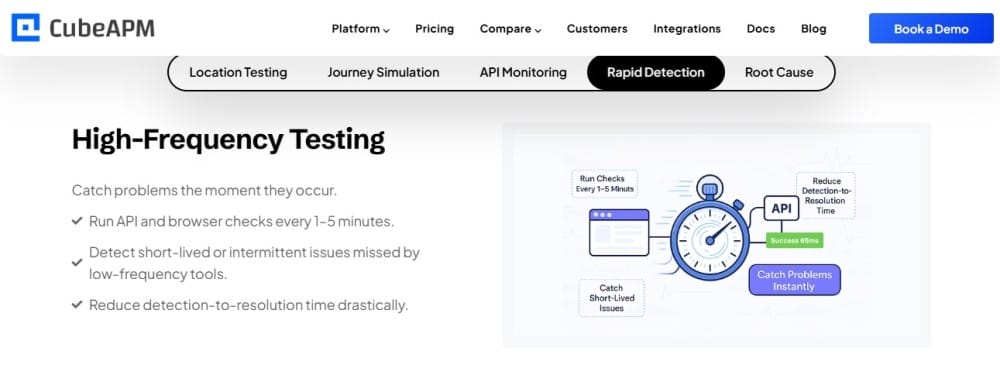
CubeAPM combines APM, log management, infrastructure monitoring, and incident alerting in a single platform with flat ingestion-based pricing at $0.20/GB. Unlike PagerDuty, which requires a separate monitoring stack to send alerts, CubeAPM monitors your infrastructure and applications directly, then routes alerts to on-call engineers without a per-seat fee.
Pricing: $0.20/GB ingested, unlimited users, no per-seat charges, no separate automation fees
Deployment: Self-hosted in your VPC or on-premises, full data control
Best for: Teams that want unified observability and incident management without separating monitoring and alerting into different vendor contracts
CubeAPM is not a direct PagerDuty replacement. It is an observability platform that includes alerting and on-call features as part of the base product. For teams currently paying both a monitoring vendor and PagerDuty separately, consolidating into a single platform eliminates one vendor contract and simplifies incident workflows.
Practo reduced incident resolution time by 40% after switching to CubeAPM’s unified tracing and alerting. They eliminated the latency between Datadog detecting an issue and PagerDuty paging the on-call engineer by having both capabilities in one system.
Opsgenie: Atlassian-owned with better stakeholder pricing
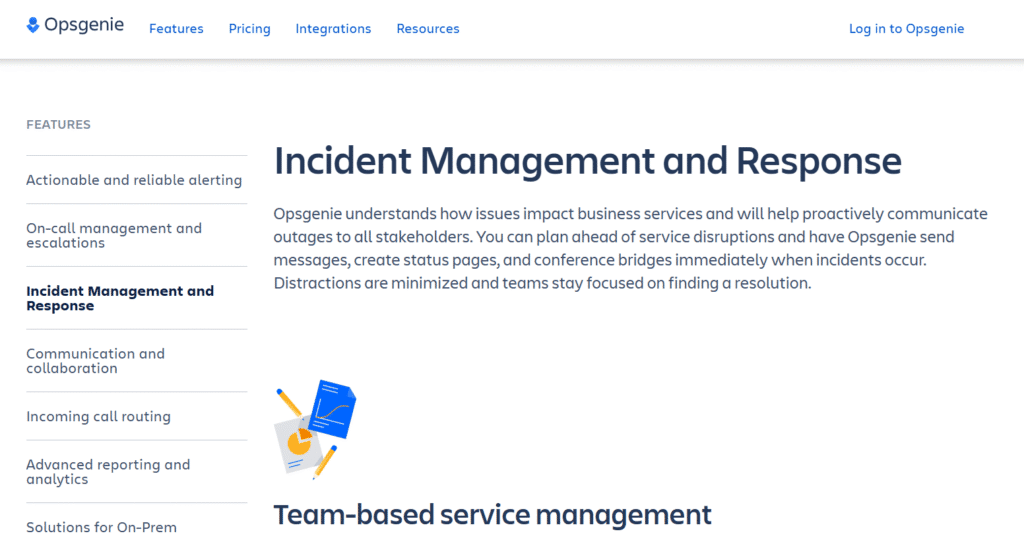
Opsgenie, now part of Atlassian, offers incident management with flexible pricing that includes free stakeholder seats. The Standard plan starts at $9/user/month for responders, and stakeholders who only need visibility get free read-only access.
Pricing: Standard $9/user/month, Enterprise $19/user/month, stakeholders free
Best for: Teams already using Atlassian tools like Jira and Confluence, or teams that need broad stakeholder visibility without paying for every viewer
Opsgenie’s pricing is more transparent than PagerDuty’s. The per-user fee is lower, and the free stakeholder tier eliminates the seat tax for non-responders. However, automation features still have usage limits, and enterprise features like advanced analytics require the higher tier.
Squadcast: Modern incident management with flat team pricing
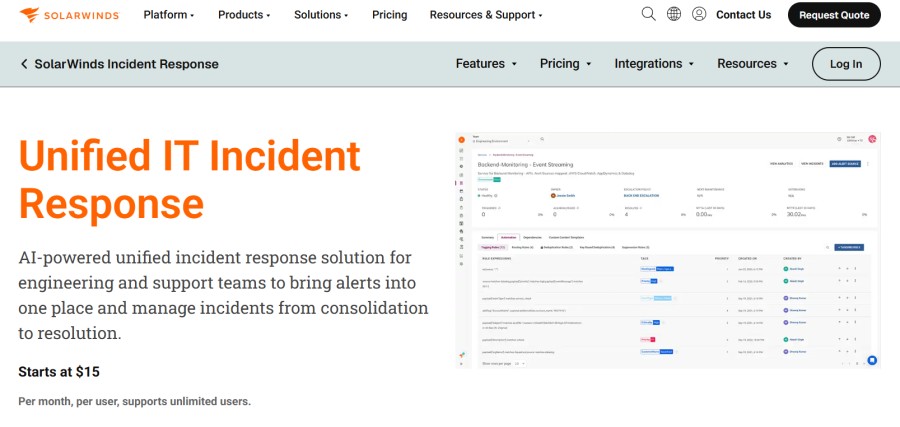
Squadcast (now SolarWinds Incident Response) is an AI-powered incident response solution that allows support and engineering teams to bring alerts into one, unified place and manage security incidents proactively, from consolidation to resolution.
Pricing: Pro $15/user/month. 14-day free trial.
Best for: Fast-growing teams that want predictable pricing as headcount scales
Squadcast positions itself as a PagerDuty alternative with better pricing transparency. The platform covers on-call scheduling, escalation, integrations, postmortems, and SLO tracking. It does not have PagerDuty’s depth in advanced automation, but for most teams the core feature set is sufficient.
Grafana OnCall: Open source on-call with self-hosted option
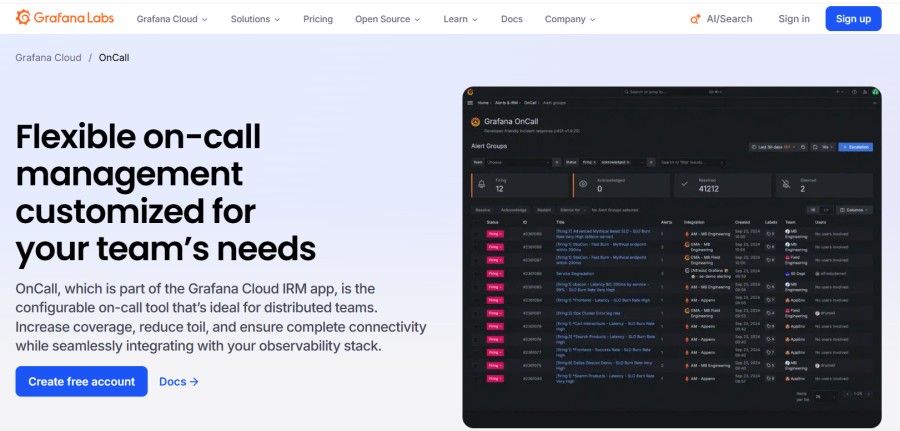
Grafana OnCall is an open source incident response tool that integrates with Grafana’s monitoring stack. Teams can self-host it for free or use Grafana Cloud’s managed version with pricing based on active users.
Pricing: Self-hosted free; Grafana Cloud starts at $25/month for 5 users
Best for: Teams already using Grafana for monitoring who want incident management in the same ecosystem
Grafana OnCall does not have feature parity with PagerDuty. It covers on-call scheduling, escalation, and integrations, but lacks advanced event intelligence and automation. For teams running Prometheus and Grafana, it is a natural fit that eliminates the need for a separate incident management vendor.
Better Uptime: Incident management focused on developer experience
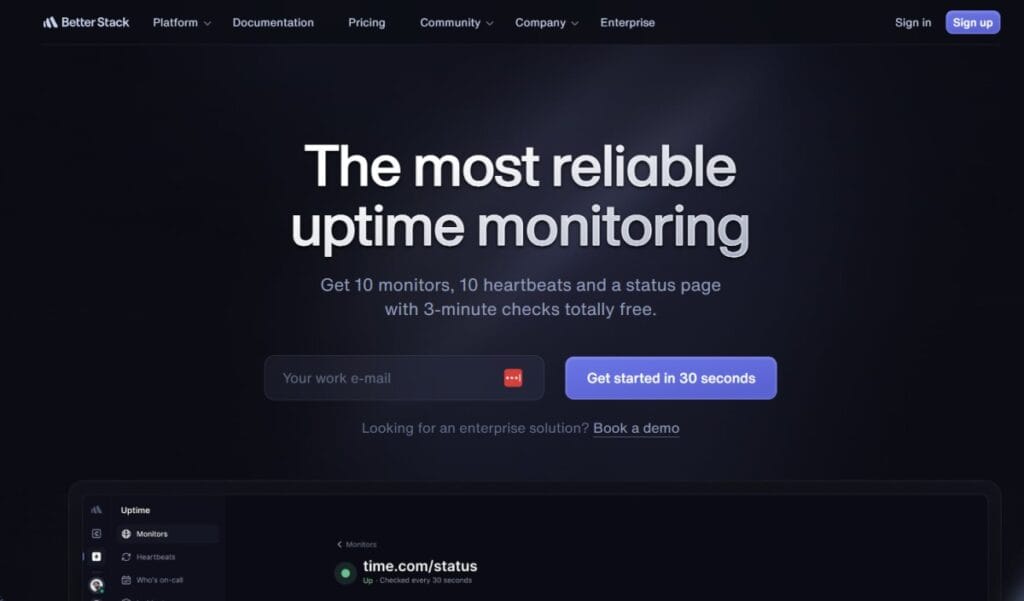
Better Uptime, part of the Better Stack suite, offers incident management with a focus on fast setup and clean UX. Pricing starts at $18/month per team member with incident response capabilities included.
Pricing: $18/user/month, unlimited stakeholders, no automation charges
Best for: Smaller teams that prioritize ease of use and want incident management without enterprise complexity
Better Uptime does not compete with PagerDuty on breadth. It focuses on core incident management and status pages, skipping advanced features like predictive analytics. For startups and small teams, it offers a simpler path to reliable on-call management.
How to Choose an Incident Management Platform
Selecting an incident management tool depends on team size, infrastructure complexity, and whether you value transparency over feature breadth. Use this framework to evaluate options.
Start with cost model: per seat vs. flat rate
If your team is growing fast, per user pricing compounds quickly. A 20-person team today could be 50 people in 18 months. PagerDuty’s per-seat model means your incident management bill scales linearly with headcount, even if incident volume stays flat.
Flat rate or ingestion-based pricing, like CubeAPM’s $0.20/GB model, decouples cost from team size. You pay for data volume instead of seat count, which better aligns cost with actual usage.
Evaluate integration depth vs. native capabilities
PagerDuty integrates with 700+ monitoring tools, but it does not monitor infrastructure itself. You still need Datadog, New Relic, or Prometheus to generate the alerts PagerDuty routes. That creates a two-vendor dependency.
Platforms like CubeAPM that combine monitoring and alerting in one product eliminate the integration layer. Alerts fire directly from the same system that detected the issue, reducing latency and vendor complexity.
Check for hidden costs: automation, API limits, stakeholder seats
Before committing to any platform, ask:
- Are automation actions billed separately?
- Do stakeholder or read-only users require paid seats?
- Are there API rate limits that require upgrades?
- Does event processing have volume caps with overage charges?
PagerDuty has all four. Competitors like Opsgenie and Squadcast avoid some of these, but not all. Read pricing documentation fully before signing.
Assess deployment requirements: SaaS only vs. self-hosted
If your organization has data residency requirements, HIPAA compliance, or security policies that restrict SaaS tools, PagerDuty’s cloud-only architecture may be a nonstarter. CubeAPM and Grafana OnCall offer self-hosted options that keep all telemetry and alert data inside your infrastructure.
Test incident workflows end to end before deciding
Every platform claims fast incident response, but workflows differ significantly. Set up a trial, simulate a real incident, and measure:
- Time from alert firing to engineer paged
- Ease of escalation if the first responder does not acknowledge
- Clarity of incident context in the alert payload
- Postmortem workflow and analytics depth
The best platform is the one that fits your team’s actual response patterns, not the one with the most marketing claims.
Conclusion
PagerDuty’s pricing model works for enterprises with large budgets and complex incident response needs. For smaller teams or organizations that value cost transparency, the per-seat licensing, feature gating, and hidden automation charges create friction. Engineering teams on Reddit consistently cite PagerDuty’s pricing as the primary reason they evaluate alternatives.
If you are paying PagerDuty today, model your total cost including seats, automation actions, and stakeholder access. Compare that against alternatives like CubeAPM, Opsgenie, or Squadcast that offer transparent pricing without per-user fees. For most teams, consolidating monitoring and incident management into a single platform eliminates vendor complexity and reduces total cost of ownership.
Disclaimer: The information in this article reflects the latest details available at the time of publication and may change as technologies and products evolve. Features, pricing, and plan limits can change over time. Always verify the latest information directly with the vendor before making purchasing or deployment decisions.
Frequently Asked Questions
How much does PagerDuty cost for a 20-person team?
A 20-person team on PagerDuty’s Professional plan pays $420/month or $5,040 annually. The Business plan with event intelligence and automation costs $820/month or $9,840 annually. Enterprise pricing requires a sales quote but typically starts around $70,000 annually for larger teams.
Does PagerDuty charge per user or per incident?
PagerDuty charges per user per month. Each on-call engineer, stakeholder, or anyone who needs platform access requires a paid seat. There are no per-incident charges, but automation actions and event processing may have usage-based fees depending on plan tier.
What is the difference between PagerDuty Professional and Business plans?
Professional includes basic on-call scheduling, escalation policies, and integrations. Business adds event intelligence for alert deduplication, automated diagnostics, stakeholder management, and advanced analytics. Business costs approximately double the Professional tier per user.
Are there free alternatives to PagerDuty?
Grafana OnCall is open source and free to self-host. Better Stack offers a free tier for small teams. CubeAPM includes alerting and on-call management as part of its observability platform with flat $0.20/GB pricing instead of per-user fees. None offer full PagerDuty feature parity at zero cost.
Does PagerDuty work with Kubernetes and cloud native infrastructure?
PagerDuty integrates with Kubernetes monitoring tools like Prometheus, Datadog, and New Relic. It does not monitor Kubernetes directly but routes alerts from monitoring systems to on-call engineers. For native Kubernetes monitoring with built-in alerting, platforms like CubeAPM offer tighter integration.
Can I migrate from PagerDuty to another platform without downtime?
Yes. Most teams run both platforms in parallel during migration, routing a subset of alerts to the new system while keeping PagerDuty active. Once the new platform is validated, they cut over fully. Migration typically takes 2 to 4 weeks depending on integration complexity.
What are PagerDuty’s main competitors in 2026?
PagerDuty’s main competitors include Opsgenie, Squadcast, Grafana OnCall, Better Uptime, and observability platforms like CubeAPM that include incident management natively. Each offers different pricing models and feature depth, with most providing more transparent pricing than PagerDuty.