







Opsgenie is retiring. On March 4, 2025, Atlassian announced that Opsgenie will no longer be sold, and support ends April 5, 2027. All Opsgenie customers must migrate to either Jira Service Management (JSM) or Compass before that date. For most teams, this means switching incident management tools entirely, not just adjusting a pricing plan.
Before the retirement announcement, Opsgenie pricing ranged from free for up to 5 users to $38.50 per user per month on Enterprise. The Standard tier, most commonly used by mid-sized teams, costs $24.15 per user per month billed monthly or $19.95 billed annually. Add-ons like incoming phone call routing and international SMS notifications cost extra, and these charges could accumulate quickly for globally distributed on-call teams.
This guide covers Opsgenie’s pricing structure as it existed, what the end of life means for current users, how the Jira Service Management migration path works, and 7 alerting and incident management alternatives evaluated on cost model, deployment, and OTel compatibility.
What Is Opsgenie?
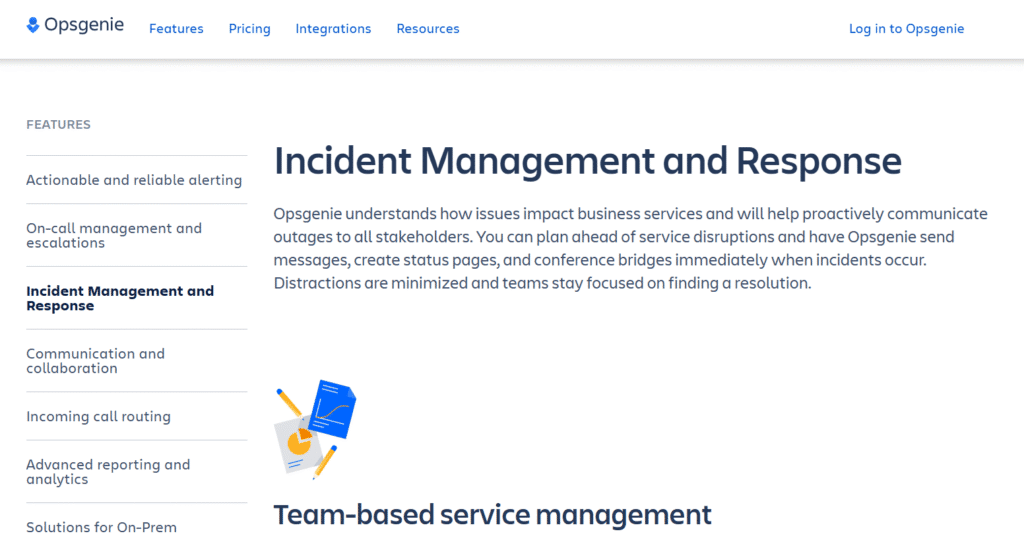
Opsgenie was an alerting and incident management platform built to help teams respond to outages and service disruptions faster. It handled on-call scheduling, alert routing, escalations, and integrations with monitoring tools like Datadog, New Relic, Prometheus, and AWS CloudWatch. Atlassian acquired Opsgenie in 2018 and has since worked to embed its functionality into Jira Service Management and Compass.
Opsgenie operated on a per-user pricing model with four tiers: Free, Essentials, Standard, and Enterprise. Each tier added more alert routing rules, incident management features, analytics, and support options. For teams managing complex multi-region incidents or needing post-mortem workflows, the Standard or Enterprise plans were required.
The platform integrated with hundreds of monitoring and ChatOps tools, supported SMS and voice call alerts in multiple countries, and included heartbeat monitoring to detect when services stopped reporting. It was widely used by DevOps and SRE teams for on-call rotation management and reliable alerting.
Opsgenie Pricing Breakdown (Before Retirement)
Opsgenie’s pricing was structured around four plans, each increasing in alert routing flexibility, incident management features, and data retention. The pricing below reflects publicly available rate cards as of early 2026, before the end-of-support announcement.
Free Plan
Cost: $0 for up to 5 users
What you get:
- Unlimited alerts
- 1 routing rule maximum
- Team-based organization
- iOS and Android mobile apps
- 100 SMS notifications account-wide (US and Canada only)
- Email and push notifications unlimited
- 3 months data retention
The catch: Voice notifications were not included. International SMS was limited to 100 total notifications across the entire account, not per user. No phone call routing or advanced incident management features.
Who it worked for: Small teams with simple alerting needs and no requirement for international SMS or phone-based escalations.
Essentials Plan
Cost: $9.45 per user per month (billed annually) or $11.55 per user per month (billed monthly)
What you get:
- Everything in Free
- 100 SMS notifications per user (US and Canada)
- 25 SMS notifications per user (International)
- 1 routing rule maximum
- 100 incidents per month (account-wide)
- Up to 5 postmortems per month
- 6 months data retention
Additional costs:
- Extra US/Canada SMS: $0.10 per notification
- Extra international SMS: $0.35 per notification
- No voice call routing included
The catch: Still only 1 routing rule, which severely limited flexibility for teams with multiple services or escalation paths. Incident management capped at 100 incidents per month account-wide. If you exceeded that, incidents could not be created until the next billing cycle.
Who it worked for: Small teams needing slightly more SMS capacity and basic incident tracking, but not requiring complex routing or unlimited incidents.
Standard Plan
Cost: $19.95 per user per month (billed annually) or $24.15 per user per month (billed monthly)
What you get:
- Everything in Essentials
- 100 routing rules maximum
- Unlimited incidents
- Unlimited postmortems
- Unlimited US/Canada SMS and voice notifications
- Incoming phone call routing (1 phone number included, $10 per additional number)
- 100 minutes of incoming phone calls included (US and Canada)
- Advanced alert enrichment and custom actions
- Heartbeat monitoring
- 1-year data retention
Additional costs:
- International SMS: $0.35 per minute
- International incoming calls: $0.35 per minute
- Extra phone numbers: $10 each
- Extra US/Canada call minutes after 100 free: $0.10 per minute
The catch: International SMS and call costs could scale quickly for distributed teams. A 10-person team in multiple time zones could easily add $200 to $500 per month in SMS and call charges during high-incident months.
Who it worked for: Mid-sized engineering teams needing advanced routing, unlimited incidents, and phone-based escalations within the US and Canada.
Enterprise Plan
Cost: $31.90 per user per month (billed annually) or $38.50 per user per month (billed monthly)
What you get:
- Everything in Standard
- SSO and custom user roles
- Central notification rule management
- Edge encryption
- Advanced reporting and analytics
- 24/7 email and phone support
- Unlimited data retention
Who it worked for: Large enterprises requiring SSO, RBAC, advanced analytics, and dedicated support. The price premium over Standard was $12 per user per month annually, which added up quickly for teams with 50+ users.
For detailed current pricing, see Atlassian’s official Opsgenie pricing page.
Cost Scenario: What a 20-Person Team Paid for Opsgenie
Assumptions:
- 20 engineers on call
- Standard plan at $19.95 per user per month (annual billing)
- 2 additional phone numbers for regional on-call coverage
- Average 50 incidents per month with phone escalations
- 150 international SMS alerts per month
Monthly cost breakdown:
| Cost component | Calculation | Monthly cost |
|---|---|---|
| User seats | 20 × $19.95 | $399 |
| Extra phone numbers | 2 × $10 | $20 |
| International SMS | 150 × $0.35 | $52.50 |
| Extra incoming call minutes (50 beyond free tier) | 50 × $0.10 | $5 |
| Total monthly cost | $476.50 |
Over 12 months: $5,718 before any additional SMS or voice usage spikes during major incidents.
This estimate models a mid-sized team with moderate international alerting. A globally distributed team with heavier SMS and call usage could easily spend $700 to $900 per month.
What Opsgenie’s End of Life Means for Current Users
Atlassian announced on March 4, 2025, that Opsgenie will no longer be available for purchase effective June 4, 2025. Existing Opsgenie customers can continue using the product without interruption until April 5, 2027, when support ends. After that date, the product will no longer function.
Key dates:
- June 4, 2025: New signups and sales of Opsgenie ended
- April 5, 2027: End of support; Opsgenie stops working entirely
What this means:
- All Opsgenie customers must migrate to Jira Service Management or Compass before April 2027
- Atlassian provides an automated migration process to move configurations and data
- Teams that do not migrate by the deadline will lose access to alerting, on-call schedules, and incident data
For more details, see Atlassian’s Opsgenie retirement announcement.
Migrating from Opsgenie to Jira Service Management
Atlassian is consolidating Opsgenie functionality into Jira Service Management (JSM). JSM now includes on-call scheduling, alert routing, incident management, and post-incident reviews. The migration process is automated and preserves most configurations, including teams, schedules, routing rules, and integrations.
What transfers:
- Teams and user assignments
- On-call schedules and rotations
- Alert routing rules
- Escalation policies
- Integrations with monitoring tools
- Historical incident data
What does not transfer:
- Custom scripts or webhooks may require reconfiguration
- Some third-party integrations may need re-authentication
Migration timeline: Atlassian recommends starting migration at least 6 months before the April 2027 deadline. The automated process typically takes 1 to 3 hours for mid-sized teams but can take longer for organizations with complex routing rules or large incident histories.
Jira Service Management pricing: JSM starts at $21 per agent per month billed annually. For teams currently on Opsgenie Standard at $19.95 per user per month, the cost increase is minimal. Enterprise plans cost significantly more, starting around $47 per agent per month. Full pricing details are available at Atlassian’s JSM pricing page.
7 Opsgenie Alternatives Compared on Cost and Deployment
For teams evaluating alternatives to Opsgenie before the 2027 deadline or those unhappy with the JSM migration path, here are 7 alerting and incident management platforms compared on pricing model, deployment, and feature depth.
CubeAPM
Best for: Teams wanting unified observability with built-in alerting, self-hosted deployment, and predictable pricing
Pricing: $0.20/GB data ingested; no per-user fees, no separate alerting cost
Deployment: Self-hosted (runs in your VPC or on-prem), vendor-managed
Key features:
- Native alerting across traces, logs, metrics, and infrastructure
- Alert routing to Slack, PagerDuty, email, webhooks
- Anomaly detection with context-aware smart sampling
- Unlimited retention, no egress charges
- OpenTelemetry native
Pros:
- No per-user seat cost; alerts scale without compounding seat fees
- Full data control and compliance by default
- Alerting is integrated with APM, logs, and infra monitoring
- Fast dashboards and search
Cons:
- Requires self-hosted deployment (though managed by CubeAPM)
- Not a standalone alerting-only tool; full observability platform
Who it fits: DevOps teams that want alerting embedded in a full observability stack with predictable pricing and no data leaving their infrastructure.
For details, see CubeAPM pricing.
PagerDuty
Best for: Enterprise incident response with advanced workflows, status pages, and business service mapping
Pricing:
- Professional: $21 per user per month
- Business: $41 per user per month
- Digital Operations: Custom pricing
Deployment: SaaS only
Key features:
- Advanced incident workflows and automation
- Multi-channel alerting (SMS, voice, push, Slack)
- On-call scheduling and escalations
- Status pages and stakeholder notifications
- Event intelligence with noise reduction
Pros:
- Deep integrations with 700+ monitoring and ChatOps tools
- Strong automation and runbook execution
- Mature incident response workflows
Cons:
- Expensive at scale; a 50-person team on Business tier costs $2,050 per month
- SaaS-only; no self-hosted option
- SMS and voice charges can add up for international teams
Who it fits: Large enterprises needing advanced incident management and willing to pay for deep automation and integrations.
Pricing details at the PagerDuty pricing page.
Grafana OnCall
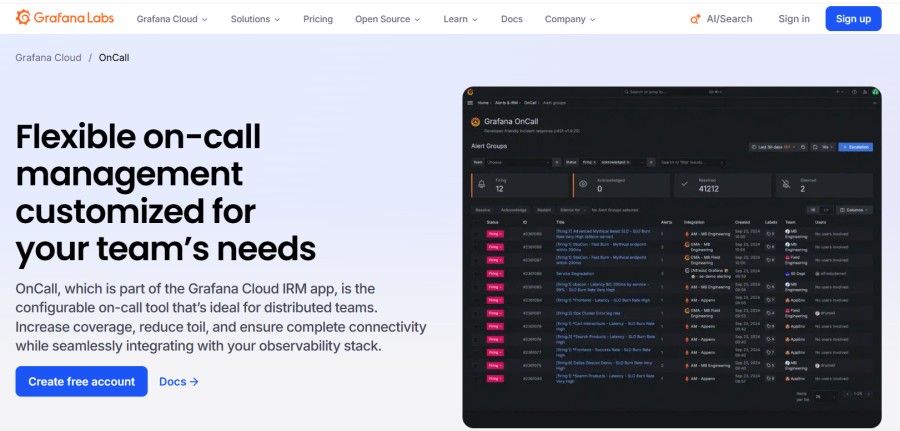
Best for: Teams already using Grafana Cloud or self-hosting Grafana for observability
Pricing:
- Free tier: 1 user
- Pro tier: $19 per user per month
- Enterprise: Custom pricing
Deployment: SaaS (Grafana Cloud) or self-hosted
Key features:
- On-call scheduling and escalations
- Alert routing from Grafana, Prometheus, and 100+ integrations
- Slack, SMS, and voice alerts
- Incident tracking and post-mortems
- OpenTelemetry compatible
Pros:
- Tight integration with Grafana dashboards and alerts
- Self-hosted option available
- Lower cost than PagerDuty or Opsgenie for small teams
Cons:
- Limited automation compared to PagerDuty
- Self-hosted setup requires managing Grafana infrastructure
- SMS and voice alerts require third-party integrations or Grafana Cloud
Who it fits: Teams already using Grafana who want to add on-call management without introducing another vendor.
See Grafana OnCall pricing.
Splunk On-Call (formerly VictorOps)
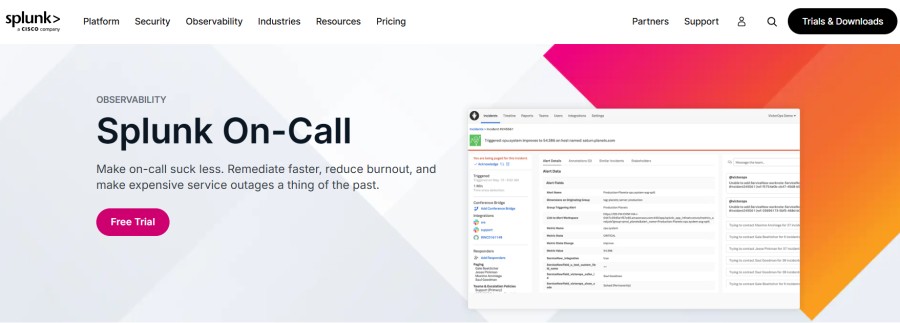
Best for: Splunk customers needing incident management integrated with Splunk Enterprise or Splunk Cloud
Pricing:
- Starter: $29 per user per month
- Growth: $49 per user per month
- Enterprise: Custom pricing
Deployment: SaaS only
Key features:
- Multi-channel alerting (SMS, voice, Slack, Teams)
- On-call scheduling and escalations
- Incident timeline and collaboration tools
- Integrations with Splunk and third-party monitoring tools
- Real-time incident chat and conferencing
Pros:
- Deep Splunk integration for log correlation during incidents
- Real-time collaboration tools
- Strong mobile app experience
Cons:
- Expensive for mid-sized teams; a 20-person team on Growth costs $980 per month
- SaaS-only deployment
- Requires Splunk for full value
Who it fits: Splunk customers wanting incident management tightly coupled with log and metric analysis.
Pricing at Splunk On-Call pricing page.
AlertOps
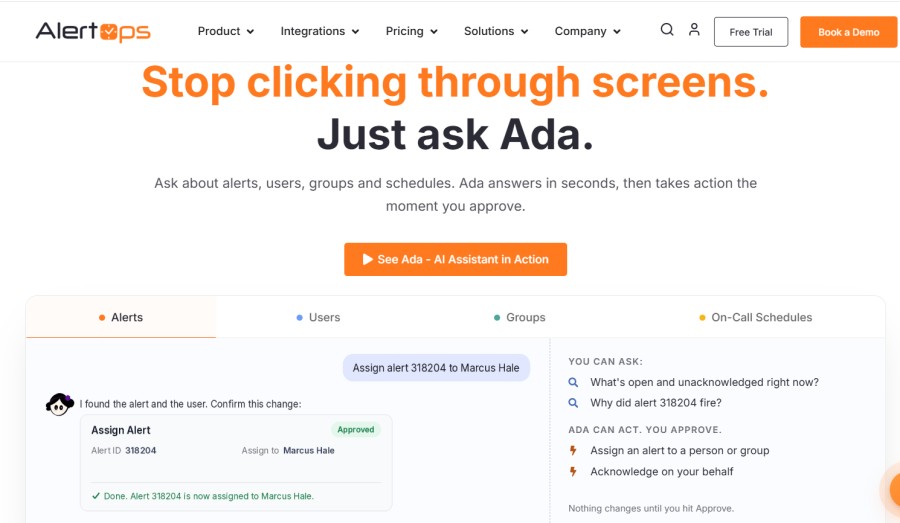
Best for: Teams needing flexible alert routing, ChatOps integrations, and workflow automation
Pricing:
- Free tier: Up to 5 users
- Pro tier: $19 per user per month
- Enterprise: Custom pricing
Deployment: SaaS only
Key features:
- Multi-channel alerting (SMS, voice, email, Slack, Teams)
- On-call scheduling and escalations
- Alert rules and enrichment
- Integrations with 100+ monitoring tools
- Incident tracking and reporting
Pros:
- Lower cost than PagerDuty
- Flexible alert routing and enrichment
- Strong ChatOps integrations
Cons:
- Fewer automation features than PagerDuty
- SaaS-only deployment
- Smaller community and ecosystem compared to PagerDuty
Who it fits: Mid-sized teams wanting flexible alerting at lower cost than PagerDuty.
See AlertOps pricing.
xMatters
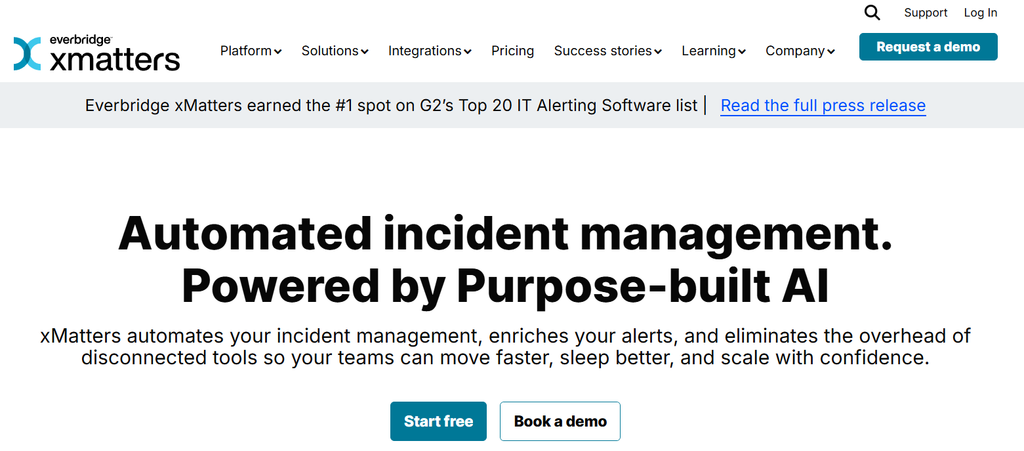
Best for: Enterprise IT and DevOps teams needing workflow automation, targeted notifications, and service reliability orchestration
Pricing: Custom pricing only; typically starts around $25 to $40 per user per month depending on plan and volume
Deployment: SaaS or hybrid (on-prem components available)
Key features:
- Workflow automation and orchestration
- Targeted notifications based on skill sets and availability
- On-call scheduling and escalations
- Multi-channel alerting (SMS, voice, Slack, Teams, mobile)
- Integrations with 200+ monitoring and ITSM tools
Pros:
- Powerful workflow automation for complex incident response
- Hybrid deployment option available
- Strong ITSM integrations
Cons:
- Custom pricing makes cost forecasting difficult
- Complex setup and configuration for smaller teams
- Higher cost than simpler alerting tools
Who it fits: Large enterprises with complex incident response workflows and multiple ITSM integrations.
Details at xMatters solutions page.
ilert
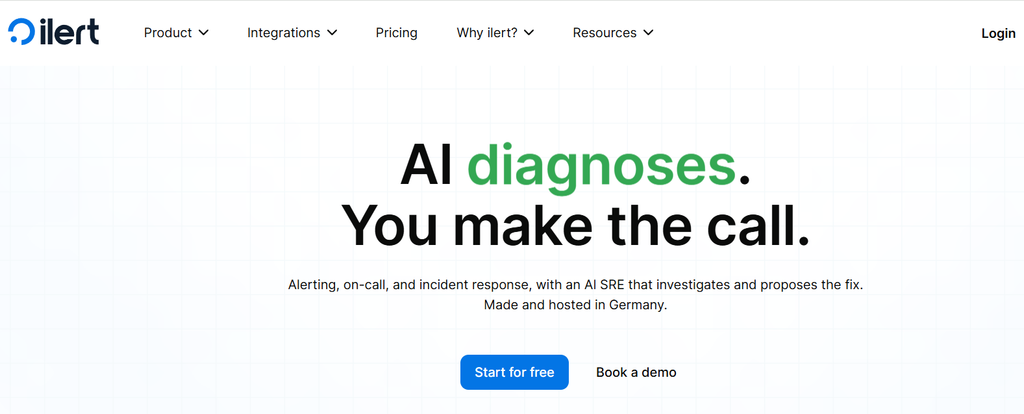
Best for: European teams needing on-call management with data residency in the EU
Pricing:
- Starter: €11 per user per month
- Professional: €25 per user per month
- Enterprise: Custom pricing
Deployment: SaaS (EU-hosted) or self-hosted
Key features:
- On-call scheduling and escalations
- Multi-channel alerting (SMS, voice, email, Slack, Teams)
- Alert routing and enrichment
- Incident tracking and post-mortems
- Integrations with 100+ monitoring tools
- OpenTelemetry compatible
Pros:
- EU data residency by default
- Lower cost than PagerDuty
- Self-hosted option available
- Strong GDPR compliance
Cons:
- Smaller ecosystem than PagerDuty or Opsgenie
- Less mature automation features
Who it fits: European teams needing GDPR-compliant incident management with EU data residency.
See ilert pricing.
Opsgenie Alternatives Comparison Table
| Tool | Pricing (per user/month) | Deployment | OTel native? | SMS/voice alerts? | Best for |
|---|---|---|---|---|---|
| CubeAPM | $0.20/GB (no per-user fee) | Self-hosted | ✓ Native | Via integrations | Unified observability + alerting |
| PagerDuty | $21–$41+ | SaaS only | Strong | ✓ Built-in | Enterprise incident response |
| Grafana OnCall | $19 | SaaS or self-hosted | ✓ Native | Via integrations | Grafana users |
| Splunk On-Call | $29–$49 | SaaS only | Partial | ✓ Built-in | Splunk customers |
| AlertOps | $19 | SaaS only | Strong | ✓ Built-in | Flexible alert routing |
| xMatters | ~$25–$40 (custom) | SaaS or hybrid | Strong | ✓ Built-in | Enterprise workflow automation |
| ilert | €11–€25 | SaaS (EU) or self-hosted | ✓ Native | ✓ Built-in | EU data residency |
Pricing based on public rate cards as of early 2026. Enterprise discounts and custom contracts can reduce costs significantly.
How to Evaluate Alerting and Incident Management Tools
If you are migrating from Opsgenie or evaluating alternatives, these are the key dimensions to assess before committing to a platform.
Pricing model
Per-user vs. usage-based: Per-user pricing like Opsgenie, PagerDuty, and AlertOps means costs grow linearly with headcount. Usage-based pricing like CubeAPM’s $0.20/GB model scales with data volume, not team size. For teams expecting to grow from 20 to 50 engineers, per-user pricing can double or triple alerting costs.
SMS and voice charges: If your on-call teams rely on SMS or voice escalations, verify the per-notification costs. International SMS at $0.35 per message can add hundreds of dollars per month for distributed teams.
Deployment model
SaaS-only vs. self-hosted: SaaS tools like PagerDuty and Splunk On-Call require sending alert data to their infrastructure. Self-hosted tools like CubeAPM and ilert keep alert routing and data inside your VPC, which matters for regulated industries with data residency requirements.
Integration depth
Monitoring tool compatibility: Verify the platform integrates natively with your existing monitoring stack (Prometheus, Datadog, New Relic, AWS CloudWatch). OpenTelemetry-native platforms like CubeAPM and Grafana OnCall offer broader compatibility.
Alert routing complexity
Routing rules and escalations: How many routing rules does the platform support? Opsgenie Standard allowed 100 rules, which was adequate for most teams. Simpler tools like AlertOps free tier may limit routing flexibility.
Incident management features
Post-mortem and reporting: Does the platform include incident timelines, post-mortem workflows, and analytics? PagerDuty and xMatters offer advanced reporting, while simpler tools focus only on alerting.
What Opsgenie Did Well (and What It Missed)
Opsgenie succeeded in several areas that made it widely adopted before the retirement announcement.
What it did well:
- Simple, predictable per-user pricing for small and mid-sized teams
- Reliable alert delivery across SMS, voice, email, and push notifications
- Flexible routing rules and escalations
- Strong integrations with 300+ monitoring tools
- Heartbeat monitoring to detect silent failures
What it missed:
- Per-user pricing became expensive for large teams
- International SMS and voice costs added up quickly
- SaaS-only deployment ruled it out for teams with data residency requirements
- Incident management features lagged behind PagerDuty’s automation and workflows
- OpenTelemetry support was limited compared to newer platforms
Conclusion
Opsgenie served DevOps and SRE teams well for alerting and on-call management, but its retirement by April 2027 forces every current user to migrate. Jira Service Management absorbs most Opsgenie functionality, and Atlassian provides an automated migration path. For teams evaluating alternatives, the choice depends on whether you prioritize advanced incident workflows (PagerDuty), cost predictability (CubeAPM), Grafana integration (Grafana OnCall), or EU data residency (ilert).
If you want alerting embedded in a full observability platform with predictable pricing and self-hosted deployment, CubeAPM consolidates APM, logs, infrastructure monitoring, and alerting at $0.20/GB with no per-user fees. For teams already committed to the Atlassian ecosystem, Jira Service Management is the natural migration path. For enterprise teams needing deep automation, PagerDuty remains the strongest option despite higher cost.
Disclaimer: The information in this article reflects the latest details available at the time of publication and may change as technologies and products evolve. Features, pricing, and plan limits can change over time. Always verify the latest information directly with the vendor before making purchasing or deployment decisions.
Frequently Asked Questions
How much does Opsgenie cost per user?
Opsgenie pricing ranged from free for up to 5 users to $38.50 per user per month on Enterprise before retirement. The Standard plan cost $19.95 per user per month billed annually or $24.15 billed monthly.
Is Opsgenie being discontinued?
Yes, Atlassian announced that Opsgenie will no longer be sold after June 4, 2025, and support ends April 5, 2027. All customers must migrate to Jira Service Management or Compass before that date.
What is replacing Opsgenie?
Jira Service Management now includes Opsgenie’s alerting, on-call scheduling, and incident management features. Atlassian provides an automated migration process to transfer configurations and data.
How much does incoming phone call routing cost in Opsgenie?
Opsgenie Standard included 1 phone number and 100 minutes of incoming calls in the US and Canada. Additional numbers cost $10 each, and extra minutes cost $0.10 per minute. International calls cost $0.35 per minute.
What are the best Opsgenie alternatives?
Top alternatives include PagerDuty for enterprise incident response, Grafana OnCall for Grafana users, CubeAPM for unified observability with built-in alerting, and ilert for EU data residency.
Can I self-host an Opsgenie alternative?
Yes, several alternatives support self-hosted deployment including CubeAPM, Grafana OnCall, and ilert. This keeps alert data inside your infrastructure for compliance and data residency.
How long does it take to migrate from Opsgenie to Jira Service Management?
Atlassian’s automated migration process typically takes 1 to 3 hours for mid-sized teams but can take longer for organizations with complex routing rules or large incident histories.