









Neo4j stores data as a graph of nodes, relationships, and properties rather than rows and columns. This changes what slow queries look like and where the bottlenecks come from. A Cypher query that traverses five hops across an unindexed label can touch millions of intermediate nodes before filtering down to a single result.
A missing index on a property used in a WHERE clause forces a full node scan on every query. A query that returns whole nodes and relationships rather than specific properties transfers unnecessary data across the network on every call. These problems do not surface as table scans or slow joins in an execution plan. They surface as operator row counts and page cache misses in a Cypher execution plan.
This guide covers the monitoring areas that matter most for Neo4j query performance in production: slow query logging, execution plan analysis, real-time transaction monitoring, key metrics exposed via Prometheus, page cache health, and setting up alerts.
What Makes Neo4j Query Monitoring Different
Neo4j query performance has three failure modes with no direct equivalent in relational databases.
- Graph traversal depth and intermediate row explosion: A Cypher query like MATCH (a)-[*1..5]-(b) on a large graph can produce a combinatorial explosion of intermediate paths before any filtering is applied. The planner’s estimated row count in EXPLAIN output tells you how many intermediate rows the optimizer expects. The actual row count from PROFILE tells you how many were processed. A large gap between the two, or simply a very high actual row count at any step, is the primary signal of a poorly performing graph query.
- Page cache efficiency: Neo4j holds graph data in a page cache (separate from JVM heap). Every property lookup, node scan, and relationship traversal requires loading graph pages into this cache. A low page cache hit ratio means Neo4j is reading from disk on every traversal, which turns millisecond queries into second-scale operations. Monitoring page cache hit ratio is as important for Neo4j as buffer pool hit ratio is for PostgreSQL.
- Label and relationship type indexes: Neo4j does not automatically create indexes on node properties. A MATCH (n:Person {name: $name}) without an index on Person.name performs a full scan of every Person node on every query. Execution plan monitoring is the only way to detect these proactively.
Step 1: Enable Query Logging
Query logging is the foundation of slow query detection in Neo4j. It is controlled by db.logs.query.enabled in neo4j.conf. Query logging is enabled by default and does not impact system performance per the official Neo4j Operations Manual.
The recommended production configuration logs queries that exceed a time threshold:
# Log queries exceeding this threshold (0 = log all queries)

db.logs.query.enabled=INFO

db.logs.query.threshold=1000ms

# Log query parameters (helps reproduce slow queries)

db.logs.query.parameter_logging_enabled=true

# Log planning time and execution time separately

db.logs.query.time_logging_enabled=true

# Log allocated bytes per query

db.logs.query.allocation_logging_enabled=true

# Log page hits and faults per query

db.logs.query.page_logging_enabled=true

# Enable CPU time tracking

db.track_query_cpu_time=true

# Enable memory allocation tracking

db.track_query_allocation=trueAfter changing these settings, restart Neo4j. Query logs are written to logs/query.log in your Neo4j home directory.
A typical slow query log entry looks like:
2026-01-15 14:32:01.421+0000 INFO  462 ms: (planning: 18, waiting: 0) -

  bolt-session bolt neo4j neo4j-javascript/5.x client/10.0.0.1:52341

  server/10.0.0.2:7687> neo4j - MATCH (p:Person {name: $name})-[:ACTED_IN]->(m:Movie)

  RETURN m.title - {name: "Tom Hanks"} -

{planning: 18, time: 444, allocatedBytes: 248872, pageHits: 4821, pageFaults: 12}Key fields in the log entry:
| Field | Description |
| Total ms | End-to-end query duration including planning and waiting |
| planning | Time spent generating the execution plan, in milliseconds |
| pageHits | Graph pages served from the page cache |
| pageFaults | Graph pages that had to be read from disk (high = cache pressure) |
| allocatedBytes | Heap memory allocated during query execution |
Step 2: Analyze Execution Plans with EXPLAIN and PROFILE
EXPLAIN returns the execution plan without running the query. PROFILE runs the query and returns actual operator statistics. Both are available in Neo4j Browser, cypher-shell, and via the Query API.
Use EXPLAIN first when investigating a slow query to check the plan without incurring execution cost:
EXPLAIN

MATCH (p:Person {name: $name})-[:ACTED_IN]->(m:Movie)

WHERE m.released > 2000

RETURN m.title, m.released

ORDER BY m.released DESC

Use PROFILE when you need actual row counts and page hit data:

cypher

PROFILE

MATCH (p:Person {name: $name})-[:ACTED_IN]->(m:Movie)

WHERE m.released > 2000

RETURN m.title, m.released

ORDER BY m.released DESCWhat to look for in the execution plan output:
| Indicator | What it means | Action |
| NodeByLabelScan on a filtered property | No index on that property; full scan of all nodes with that label | Create an index: CREATE INDEX FOR (n:Label) ON (n.property) |
| Large rows spike at an intermediate operator | Cartesian product or over-traversal before filtering | Move WHERE filters earlier; add relationship type constraints |
| High pageFaults on any operator | That operator is reading pages not in the cache | Check page cache size configuration |
| EstimatedRows much higher than ActualRows | Planner overestimates; may choose a suboptimal plan | Force replan: CYPHER replan=force MATCH … |
| AllNodesScan | Query touches every node in the graph | Add a label to the MATCH pattern |
In Enterprise Edition, the Cypher planner tries the pipelined runtime first, then falls back to slotted, then interpreted. Community Edition uses interpreted only. The runtime in use is shown at the top of the execution plan output.
Step 3: Monitor Running Transactions in Real Time
In Neo4j 2025.01 and later, SHOW TRANSACTIONS replaces the deprecated dbms.listQueries() procedure for listing active queries. Use it to find currently running long queries:
SHOW TRANSACTIONS

WHERE currentQueryElapsedTime > duration({seconds: 10})

RETURN

  transactionId,

  currentQuery,

  currentQueryElapsedTime,

  status,

  username,

  activeLockCount,

  pageHits,

  pageFaults

ORDER BY currentQueryElapsedTime DESC;To terminate a specific long-running transaction:
TERMINATE TRANSACTIONS 'neo4j-transaction-123';To find all transactions running longer than 60 seconds:
SHOW TRANSACTIONS

WHERE currentQueryElapsedTime > duration({seconds: 60})

  AND NOT currentQuery STARTS WITH 'TERMINATE'

RETURN transactionId, currentQuery, currentQueryElapsedTime;Pass the returned transactionId values to TERMINATE TRANSACTIONS to kill them.
Key fields from SHOW TRANSACTIONS:
| Field | Description |
| transactionId | Unique transaction ID used with TERMINATE TRANSACTIONS |
| currentQuery | The Cypher query currently executing in this transaction |
| currentQueryElapsedTime | Duration object; use .milliseconds to extract as ms |
| status | Running, Blocked, Closing, or Terminated |
| activeLockCount | Number of locks held (high values indicate lock contention) |
| pageHits / pageFaults | Page cache activity for the current query |
Step 4: Monitor Key Metrics via Prometheus
Neo4j exposes metrics in Prometheus format. Enable the Prometheus endpoint in neo4j.conf:
server.metrics.prometheus.enabled=true

server.metrics.prometheus.endpoint=localhost:2004

server.metrics.enabled=trueMetric names follow two patterns. Global metrics (covering the whole DBMS) use <prefix>.dbms.<metric>. Per-database metrics use <prefix>.database.<dbname>.<metric>. The default prefix is neo4j, configurable via server.metrics.prefix. For example, the transaction started metric for a database named neo4j is neo4j.database.neo4j.transaction.started.
Key query performance metrics:
| Metric | Type | Description |
| neo4j.database.<db>.transaction.active | gauge | Currently active transactions on the named database |
| neo4j.database.<db>.transaction.peak_concurrent | gauge | Peak concurrent transactions since startup |
| neo4j.database.<db>.transaction.started | counter | Total transactions started |
| neo4j.database.<db>.transaction.committed | counter | Total transactions committed |
| neo4j.database.<db>.transaction.rollbacks | counter | Total transactions rolled back |
| neo4j.database.<db>.transaction.terminated | counter | Transactions terminated (killed) |
| neo4j.page_cache.hits | counter | Page cache hits (global) |
| neo4j.page_cache.misses | counter | Page cache misses, reads from disk (global) |
| neo4j.page_cache.hit_ratio | gauge | Ratio of hits to total accesses (target: > 0.99) |
| neo4j.page_cache.usage_ratio | gauge | Fraction of page cache currently in use |
| neo4j.dbms.vm.heap.used | gauge | JVM heap used in bytes |
| neo4j.dbms.vm.gc.time | counter | Total JVM garbage collection time |
Note: as of Neo4j 2025.03, the neo4j.count metrics class replaces the deprecated ids_in_use metrics for tracking node and relationship counts. Update any existing dashboards using the ids_in_use metric names.
Page cache hit ratio PromQL (replace neo4j with your configured prefix if changed):
rate(neo4j_page_cache_hits[5m]) /

(rate(neo4j_page_cache_hits[5m]) + rate(neo4j_page_cache_misses[5m]))Note: Prometheus scrapes metric names with dots replaced by underscores, so neo4j.page_cache.hits becomes neo4j_page_cache_hits in PromQL.
Transaction rollback rate PromQL:
rate(neo4j_database_neo4j_transaction_rollbacks[5m]) /

rate(neo4j_database_neo4j_transaction_started[5m])Step 5: Monitor Page Cache Health
Page cache size is the single most impactful configuration parameter for Neo4j query performance. When the page cache is too small to hold the working set of frequently accessed graph data, every traversal triggers disk reads.
Configure page cache size in neo4j.conf:
server.memory.pagecache.size=8gThe recommended sizing is: total graph store size on disk (nodes + relationships + properties) plus 20% headroom. Check your current store sizes using the APOC library’s apoc.monitor.store() procedure (requires APOC Core to be installed):
CALL apoc.monitor.store()

YIELD totalStoreSize, nodeStoreSize, relStoreSize, propStoreSize;Alternatively, check store sizes directly from the filesystem. Store files are located in data/databases/<dbname>/ under your Neo4j home directory.
Page cache health thresholds:
| Metric | Healthy | Warning | Critical |
| page_cache.hit_ratio | > 0.99 | 0.95 to 0.99 | < 0.95 |
| page_cache.usage_ratio | < 0.90 | 0.90 to 0.95 | > 0.95 (cache likely evicting pages) |
| page_cache.misses rate | Stable | Gradually rising | Rapid rise alongside slow queries |
If usage_ratio consistently exceeds 0.95, the cache is full and actively evicts pages. Increase server.memory.pagecache.size or reduce the working set of concurrent queries. Note that Neo4j 2026.03 also introduced db.memory.pagecache.warmup.order to control the order in which database files are loaded during cache warmup, which can reduce the cold-start latency spike after a restart.
Step 6: Monitor GC Pressure
Neo4j runs on the JVM, making garbage collection a query latency factor. A full GC pause stops all query processing on the instance until it completes. Long GC pauses show up in query logs as unexplained latency spikes on queries that were previously fast.
Key JVM metrics to monitor:
| Metric | Alert condition |
| neo4j.dbms.vm.gc.time rate | Rising rate indicates increasing GC pressure |
| neo4j.dbms.vm.heap.used | Sustained > 80% of configured max heap warrants investigation |
Configure JVM heap in neo4j.conf:
server.memory.heap.initial_size=4g

server.memory.heap.max_size=4gSetting initial and max heap to the same value prevents GC overhead from resizing the heap at runtime, which is the recommended production setting per the Neo4j Operations Manual.
Step 7: Set Up Alerts with CubeAPM
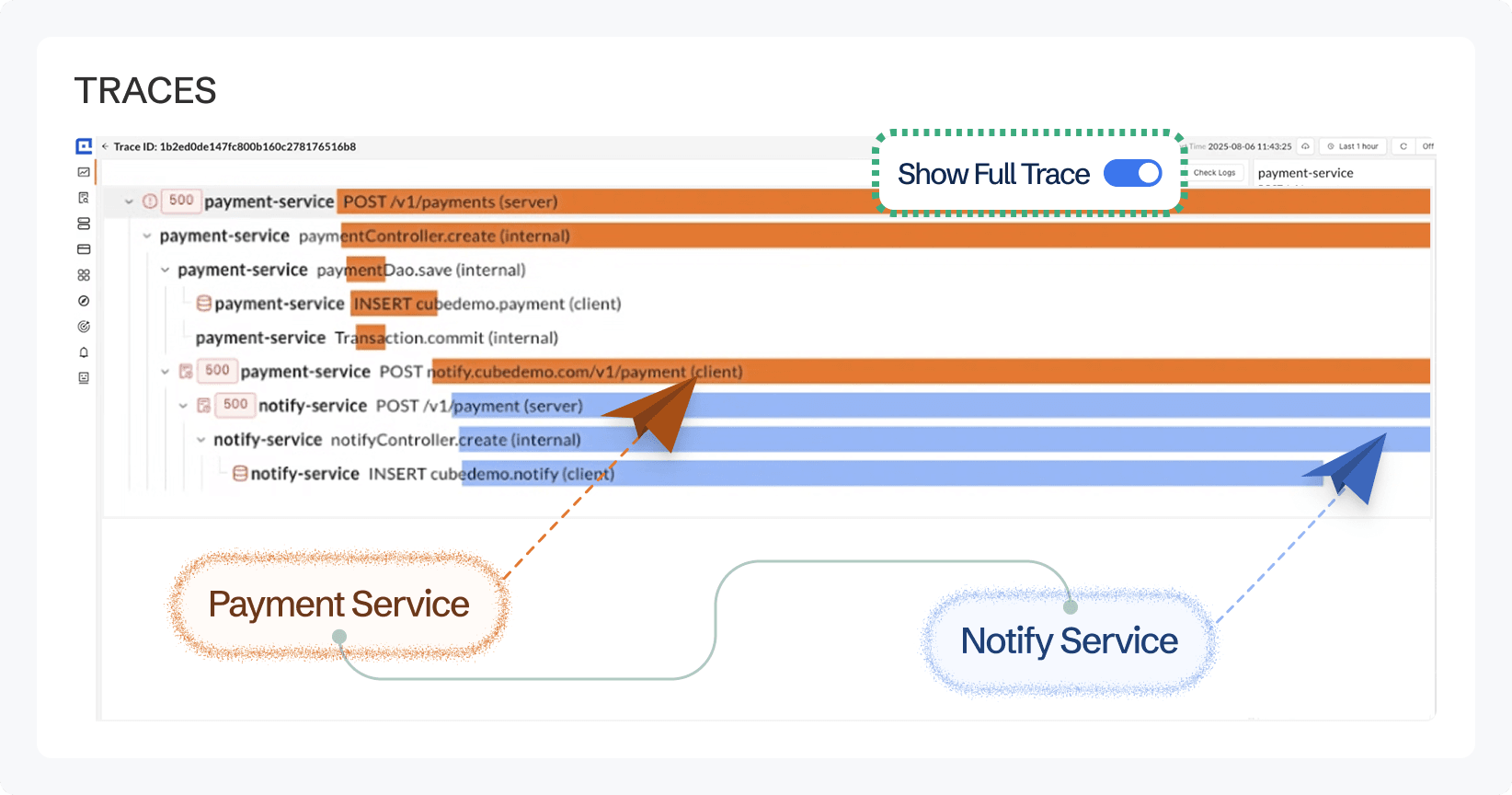
CubeAPM connects to Neo4j’s Prometheus endpoint on port 2004, collects all the metrics above, and correlates them with application-level distributed traces from services making Cypher queries. Because CubeAPM runs inside your own infrastructure, graph database metrics and application telemetry never leave your cloud.
The value of correlating both layers is direct: when an alert fires on page_cache.hit_ratio, you can immediately see which specific application service and Cypher query pattern drove the page cache miss spike, rather than investigating the database and the application separately.
What CubeAPM monitors for Neo4j:
- Page cache hit ratio and usage ratio, with alerting on sustained degradation
- Per-database transaction rate, active transactions, rollback rate, and terminated transaction counts
- JVM heap usage and GC time trends
- Query log ingestion from logs/query.log for slow query duration tracking
- Application-level distributed traces from services using Neo4j drivers, showing Cypher query round-trip times end-to-end
Key alerts to configure for Neo4j in CubeAPM:
| Alert | Condition | Severity |
| Low page cache hit ratio | hit_ratio < 0.95 sustained > 5 min | Warning |
| Page cache full | usage_ratio > 0.95 | Warning |
| High transaction rollback rate | Rollbacks > 5% of started transactions | Warning |
| Terminated transactions rising | rate(transaction_terminated[5m]) > 0 | Warning |
| Heap near capacity | heap.used > 80% of heap.max | Warning |
| GC time spiking | rate(gc.time[5m]) > 500ms/s | Critical |
| Slow query in log | Query duration > 5,000 ms in query.log | Warning |
Read the docs to set up Prometheus metric collection and log monitoring for Neo4j.
Summary
Neo4j query performance problems are almost always rooted in one of three causes: missing indexes causing full label scans, graph traversals producing too many intermediate rows before filtering, or a page cache too small for the working set. The monitoring stack below surfaces all three before they become incidents.
| Monitoring area | Primary source | Key signal |
| Slow query detection | query.log via db.logs.query.enabled | Query duration, pageFaults, planningTime |
| Execution plan analysis | EXPLAIN / PROFILE in Cypher | NodeByLabelScan, row explosion, pageFaults per operator |
| Active long-running queries | SHOW TRANSACTIONS | currentQueryElapsedTime, activeLockCount |
| Page cache health | neo4j.page_cache.* Prometheus metrics | hit_ratio (target > 0.99), usage_ratio |
| Transaction health | neo4j.database.<db>.transaction.* Prometheus metrics | Rollback rate, terminated count |
| JVM and GC health | neo4j.dbms.vm.* Prometheus metrics | Heap usage, GC time rate |
Disclaimer: All configuration parameters and Cypher commands verified against the official Neo4j Operations Manual and Cypher Manual as of Neo4j 2026.04.0 (released April 23, 2026). Key version notes: SHOW TRANSACTIONS and TERMINATE TRANSACTIONS replace the deprecated dbms.listQueries() and dbms.killQueries() from 2025.01; db.logs.query.enabled replaces dbms.logs.query.enabled from Neo4j 5.x onwards; neo4j.count metrics replace deprecated ids_in_use from 2025.03; per-database Prometheus metrics follow <prefix>.database.<dbname>.<metric>, page cache metrics follow <prefix>.page_cache.<metric>, both scraped with underscores in PromQL; apoc.monitor.store() requires APOC Core. Pricing and features subject to change; verify before implementing.
Also read:
How to Monitor ScyllaDB Latency and Compaction Metrics
How to Monitor TimescaleDB for Slow Queries and Chunk Health
What Are the Best New Relic Alternatives with OpenTelemetry Support?