










If your Elasticsearch cluster is running slowly, throwing errors, or silently eating through heap memory, the right monitoring tool is the difference between a 2-minute fix and a 2-hour outage. Elasticsearch powers search, log analytics, SIEM, APM, and increasingly vector search workloads across thousands of production deployments. Keeping it healthy requires visibility into cluster state, JVM performance, indexing throughput, and query latency, all at once.
This guide covers the best Elasticsearch monitoring tools in 2026, including both free open-source options and enterprise-grade SaaS platforms. For each tool, you will learn what it monitors, how to set it up, what it costs, and when to use it.
Key Takeaways
✔ Kibana Stack Monitoring is the easiest starting point if you already use the Elastic Stack.
✔ Prometheus + Grafana is the go-to open-source choice for teams that want full customization at no licensing cost.
✔ Datadog and New Relic offer the best unified SaaS observability but come with per-host costs.
✔ Opster AutoOps and Sematext are purpose-built for Elasticsearch and provide root cause analysis out of the box.
✔ ElastAlert 2 is the best free option if you only need alert logic on top of existing monitoring.
✔ CubeAPM combines full-stack APM with Elasticsearch monitoring in a single, self-hosted or SaaS platform, ideal for engineering teams that want deep observability without vendor lock-in.
✔ Match your tool to your team: open-source tools need more manual setup; SaaS tools reduce operational overhead but increase spend.
What Is Elasticsearch Monitoring?
Elasticsearch monitoring is the practice of continuously collecting and analyzing cluster health metrics, node-level JVM and OS statistics, and index-level performance data to detect problems before they cause downtime.
A production-grade Elasticsearch monitoring setup covers three layers:
- Cluster and index metrics: shard health, search latency, indexing throughput, merge rate
- JVM and OS metrics: heap pressure, garbage collection pauses, CPU usage, disk I/O
- Alerting and anomaly detection: thresholds, anomaly rules, and runbook-linked notifications
Without proper monitoring, problems like JVM heap exhaustion, unassigned shards, hot-spotting on a single node, or a slow garbage collector can go undetected until users report failures.
Key Metrics to Monitor in Elasticsearch
Before choosing a tool, know what you need to track. These are the most critical Elasticsearch metrics:
- Cluster status (green/yellow/red): Red means at least one primary shard is unassigned. Yellow means replicas are missing. Both require immediate attention.
- Number of nodes: Unexpected node drops can indicate memory pressure, network issues, or OOM events.
- Active shards vs initializing shards: High initializing count causes temporary search degradation.
- JVM heap usage: Above 75% sustained indicates memory pressure. Above 85% risks out-of-memory errors and circuit breaker trips.
- Garbage collection frequency and duration: Long GC pauses (stop-the-world) directly impact query latency.
- Field data cache size: Unbounded field data caches are a common cause of heap exhaustion.
- Search latency (p50, p95, p99): Track these across indices and nodes, not just the average.
- Indexing rate (docs/sec): A sudden drop signals a pipeline bottleneck or node failure.
- Refresh and merge rates: Excessive merges consume CPU and disk, slowing down both indexing and search.
- Disk utilization per node: Elasticsearch does not handle full disks gracefully. Above 85% triggers a read-only mode on affected nodes.
- Segment count per index: Too many segments slow search. This is usually a sign that force merge has not run.
10 Best Elasticsearch Monitoring Tools in 2026
1. Kibana Stack Monitoring (Built-in)
Kibana Stack Monitoring is Elasticsearch’s native monitoring solution for Elastic Stack deployments. It lets teams collect logs and metrics from Elasticsearch, Kibana, Logstash, APM Server, and Beats, then view that data inside Kibana.
What it monitors: Cluster and node health, search and indexing activity, disk usage, JVM metrics, Elasticsearch logs, and the status of Kibana, Logstash, APM Server, and Beats components.
How it works: Stack Monitoring uses an agent installed on Elasticsearch and Logstash nodes, then sends monitoring data to Elasticsearch for visualization in Kibana. For production, Elastic recommends using a separate monitoring cluster so monitoring data remains available even if the production cluster has issues.
Setup time: 30 to 60 minutes for a first deployment, depending on whether you send monitoring data to the same cluster or a separate monitoring cluster.
Pricing: Basic Stack Monitoring is available with Elastic. Some advanced features depend on Elastic’s subscription tier, and Elastic asks users to contact sales for self-managed paid licensing.
Limitation: It works best inside the Elastic ecosystem. If you need full-stack APM, infrastructure metrics, traces, logs, and Elasticsearch correlation in one broader observability view, you may need another platform.
Best for: Teams already running Elasticsearch and Kibana who want native Elasticsearch monitoring with minimal extra tooling.
2. CubeAPM
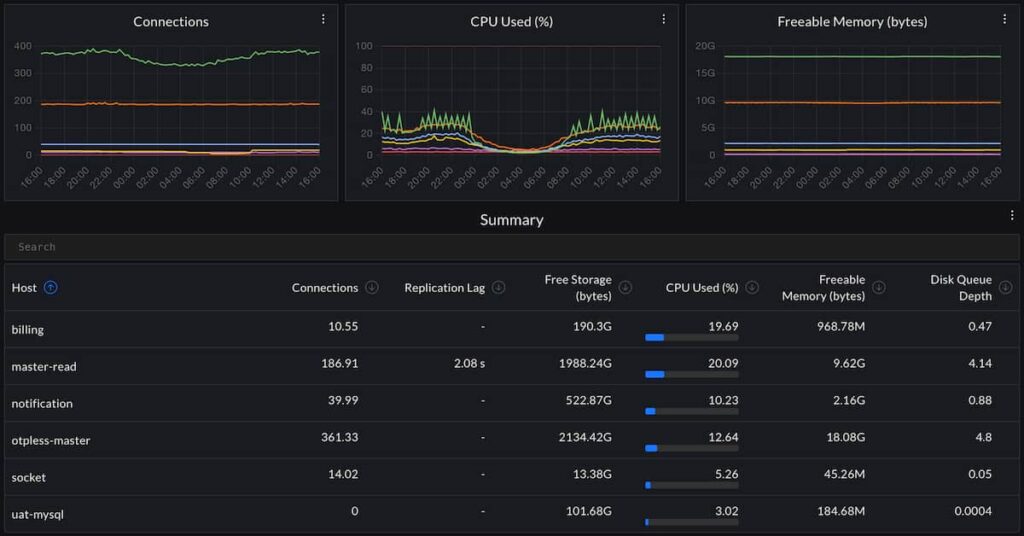
CubeAPM is a self-hosted but vendor-managed observability platform for APM, infrastructure monitoring, logs, RUM, synthetics, error tracking, and Kubernetes monitoring. It runs inside the customer’s cloud or on-prem environment, while CubeAPM handles management and support.
What it monitors: Application performance, traces, logs, infrastructure metrics, Kubernetes, hosts, databases, containers, cloud services, and Elasticsearch-related performance signals when collected through OpenTelemetry and infrastructure integrations. CubeAPM docs describe it as an APM platform that collects telemetry from applications and infrastructure and provides dashboards, querying, and alerts.
How it works: CubeAPM uses OpenTelemetry-based instrumentation. Teams install CubeAPM and integrate OpenTelemetry agents or collectors so telemetry is sent to CubeAPM.
Setup time: 15 to 30 minutes for a simple first deployment, depending on Docker, Kubernetes, network access, and existing OpenTelemetry setup.
Pricing: CubeAPM lists predictable pricing at $0.15/GB for data ingestion, with no hidden fees or surprise overages.
Deployment option: Self-hosted but vendor-managed. CubeAPM says it deploys in your infrastructure, while upgrades, patches, and support are handled by the CubeAPM team.
Limitation: CubeAPM is broader than an Elasticsearch-only tool. If a team only needs a lightweight Elasticsearch GUI, ElasticVue or Cerebro may be simpler.
Best for: Engineering teams that want Elasticsearch visibility as part of full-stack observability, with application traces, logs, infrastructure metrics, alerts, and data control inside their own environment.
3. Cerebro
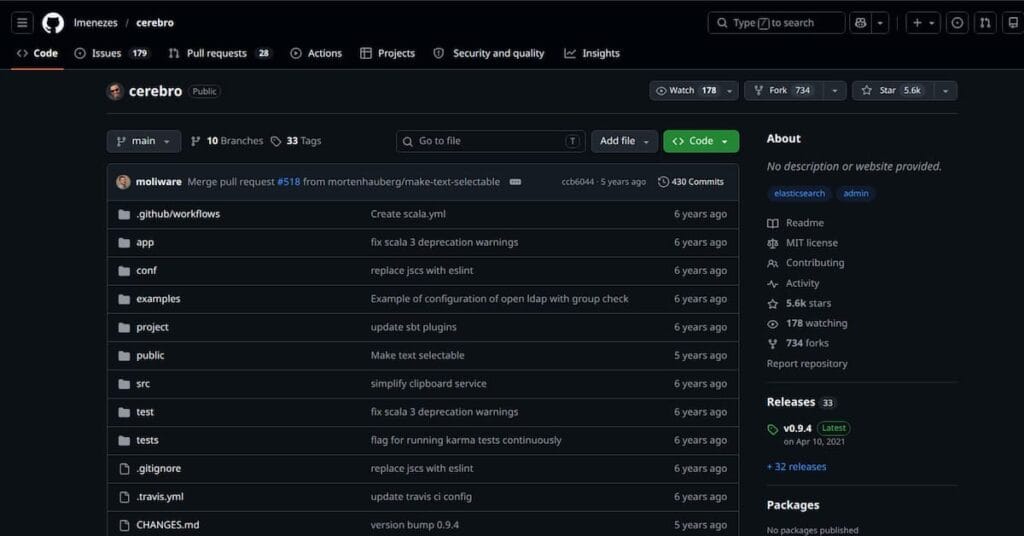
Cerebro is a free open-source Elasticsearch web admin tool. It is MIT-licensed and built using Scala, Play Framework, AngularJS, and Bootstrap.
What it monitors: Cluster status, node list, index list, shard allocation, aliases, and basic Elasticsearch cluster information.
How it works: Cerebro connects to your Elasticsearch cluster and gives you a browser-based interface for inspecting and managing cluster resources.
Setup time: Under 10 minutes for a simple Docker or local setup, assuming Elasticsearch access is already configured.
Pricing: Free.
Deployment option: Self-hosted. You run and secure it yourself.
Limitation: Cerebro is mainly an admin and inspection tool. It does not replace historical dashboards, alerting, distributed tracing, or full observability.
Best for: Quick Elasticsearch cluster inspection, shard checks, index management, and basic admin tasks.
4. Prometheus + Grafana
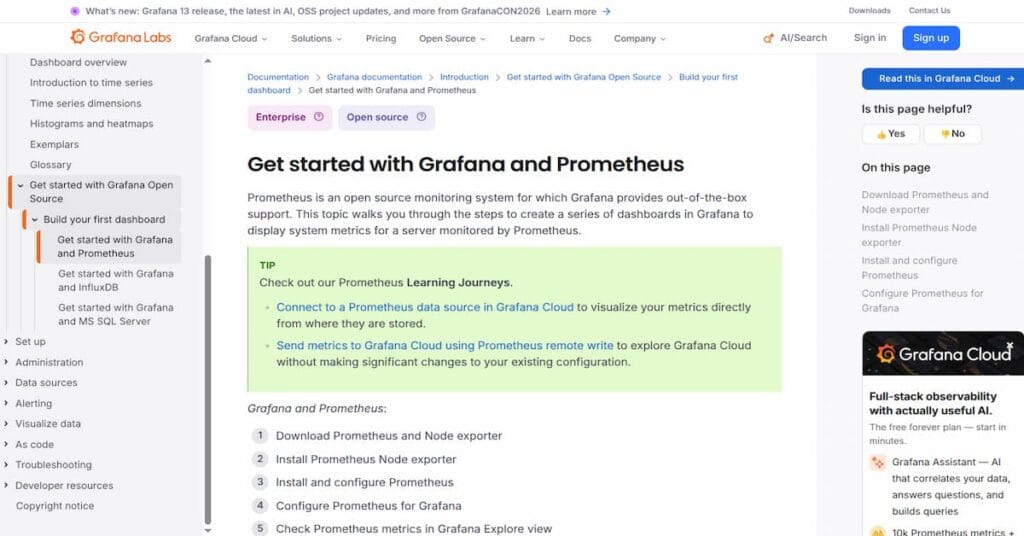
Prometheus and Grafana form a popular open-source monitoring stack for infrastructure and application metrics. For Elasticsearch, teams usually add the Prometheus community Elasticsearch exporter to expose Elasticsearch metrics in Prometheus format.
What it monitors: Cluster status, active shards, JVM metrics, Elasticsearch load, search activity, indexing activity, rejected thread pools, and other metrics exposed through Elasticsearch APIs.
How it works: The Elasticsearch exporter collects metrics from Elasticsearch, Prometheus scrapes those metrics, and Grafana displays them through dashboards. Grafana also provides Elasticsearch exporter dashboards and quickstart resources.
Setup time: 1 to 3 hours for the first setup, including exporter deployment, Prometheus scrape configuration, Grafana dashboard import, and alert rule setup.
Pricing: Free if self-hosted. Grafana Cloud has separate pricing for managed metrics, logs, traces, and other usage-based features.
Deployment option: Self-hosted by default. Grafana Cloud is SaaS if you do not want to run the stack yourself.
Limitation: This setup gives strong flexibility, but you own the operational work. You must manage exporters, dashboards, alert rules, retention, scaling, and upgrades yourself.
Best for: DevOps and platform teams that want customizable Elasticsearch dashboards and already use Prometheus and Grafana.
5. Datadog
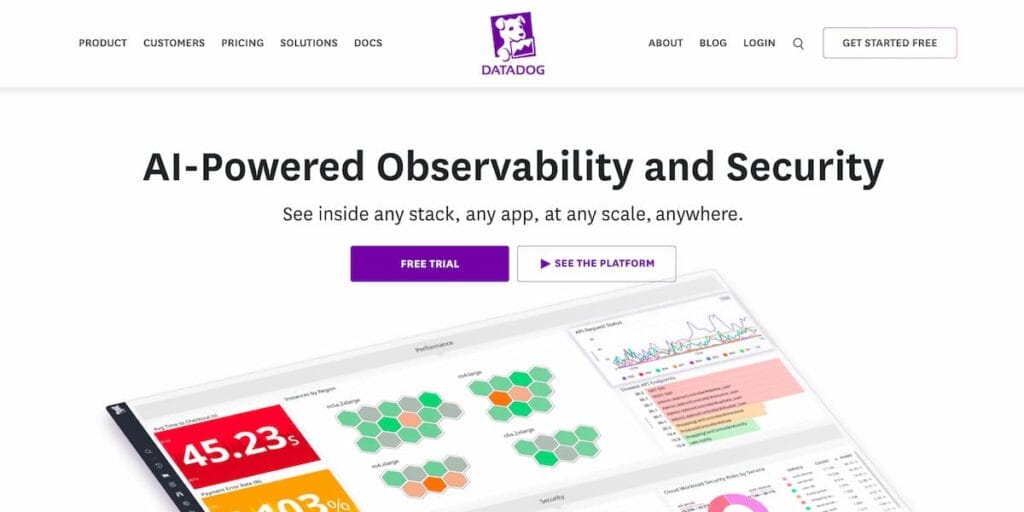
Datadog is a commercial SaaS observability platform with an Elasticsearch integration available through the Datadog Agent. The integration supports Elasticsearch metrics and custom metric collection through custom queries.
What it monitors: JVM metrics, cluster state, search activity, indexing activity, cache usage, disk usage, rejected threads, and Elasticsearch availability.
How it works: The Datadog Agent runs near your Elasticsearch deployment, collects Elasticsearch metrics, and sends them to Datadog for dashboards, alerts, and correlation with infrastructure, logs, and APM data.
Setup time: 15 to 30 minutes for a basic Agent setup if permissions and network access are ready.
Pricing: Datadog Infrastructure Monitoring starts at $15 per host per month on the public pricing page. Logs, APM, synthetics, RUM, and other products are priced separately.
Deployment option: SaaS only for the main platform. The Agent runs in your environment, but telemetry is sent to Datadog.
Limitation: Datadog is powerful, but costs can grow as you add logs, APM, synthetics, RUM, indexed data, and more hosts.
Best for: Teams that want Elasticsearch monitoring inside a larger SaaS observability platform with infrastructure, logs, APM, and alerting in one place.
6. New Relic
New Relic provides Elasticsearch monitoring through its Elasticsearch integration and quickstart. The quickstart includes dashboards and alerts for Elasticsearch cluster health and performance.
What it monitors: Cluster health, node-level metrics, index-level metrics, JVM metrics, query performance, document counts, and Elasticsearch inventory data.
How it works: New Relic collects Elasticsearch metrics using the Infrastructure agent, the Elasticsearch on-host integration, or OpenTelemetry Collector options for self-hosted Elasticsearch.
Setup time: 30 to 60 minutes for a first setup, depending on whether you use the New Relic agent or OpenTelemetry Collector.
Pricing: New Relic includes 100 GB/month of free ingest and one free full-platform user. Paid usage depends on data ingest, user type, and edition.
Deployment option: SaaS platform. Agents or collectors run in your environment and send telemetry to New Relic.
Limitation: New Relic is easy to start, but pricing can become harder to forecast as ingest volume, user seats, and advanced features grow.
Best for: Teams already using New Relic for APM or infrastructure monitoring who want to add Elasticsearch visibility without another tool.
7. Dynatrace

Dynatrace is an AI-assisted observability platform for infrastructure, applications, cloud environments, and services. It can monitor Elasticsearch as part of broader infrastructure and application observability.
What it monitors: Elasticsearch host health, infrastructure metrics, JVM-related signals, service dependencies, application performance, and the relationship between Elasticsearch and the services that depend on it.
How it works: Dynatrace uses OneAgent and its observability platform to discover workloads, collect telemetry, and map dependencies across services and infrastructure.
Setup time: 15 to 30 minutes for a basic OneAgent deployment, with more time needed for larger hybrid or Kubernetes environments.
Pricing: Dynatrace public pricing lists Infrastructure Monitoring at $0.04 per hour for any size host and Full-Stack Monitoring at $0.01 per memory-GiB-hour, shown as $58/month per 8 GiB host.
Deployment option: SaaS and managed deployment options. The OneAgent runs in your environment.
Limitation: Dynatrace is strong for large environments, but its pricing model can be harder for smaller teams to estimate because costs depend on host size, monitoring mode, and product usage.
Best for: Enterprises that want automated discovery, service dependency mapping, and AI-assisted root cause analysis across large environments.
8. Sematext Monitoring
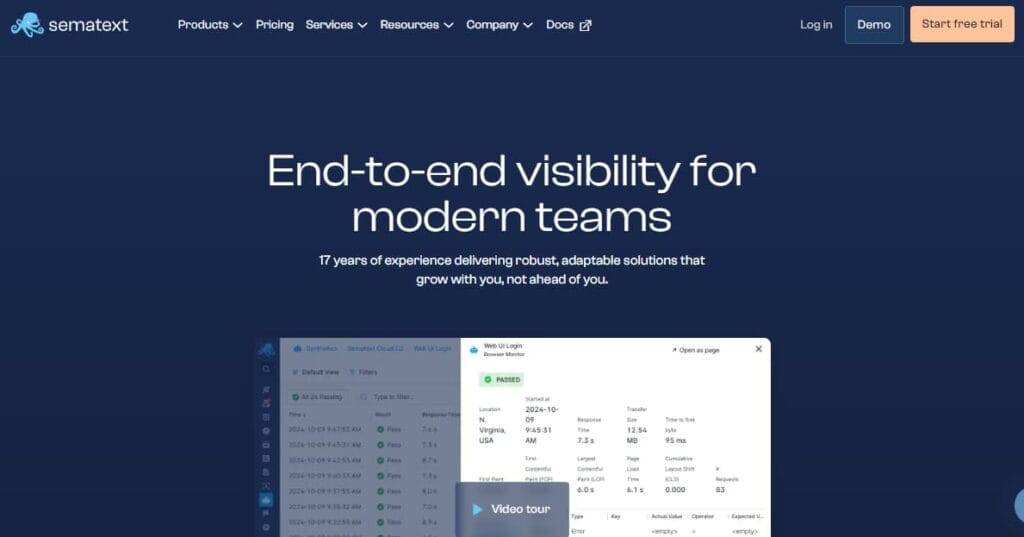
Sematext is a monitoring and log management platform with a dedicated Elasticsearch monitoring integration. Sematext says its Elasticsearch integration collects over 100 Elasticsearch metrics covering JVM, index performance, cluster health, query performance, and more.
What it monitors: Cluster health, shard allocation, JVM heap, GC activity, document count, search performance, indexing performance, query performance, and Elasticsearch logs.
How it works: Sematext uses its agent to collect Elasticsearch metrics and logs, then shows them through hosted dashboards, alerts, and log analytics.
Setup time: 10 to 30 minutes for a basic agent-based setup.
Pricing: Sematext pricing lists Infra Monitoring from $2.80/month and Logs from $5/month, with product-specific pricing depending on what you use.
Deployment option: SaaS-first, with agents running in your environment.
Limitation: Sematext is strong for Elasticsearch and logs, but teams that need deeper APM, tracing, and broad enterprise automation may still compare it with larger observability platforms.
Best for: Teams that want a focused Elasticsearch and log monitoring platform without building Prometheus and Grafana themselves.
9. Elastic AutoOps
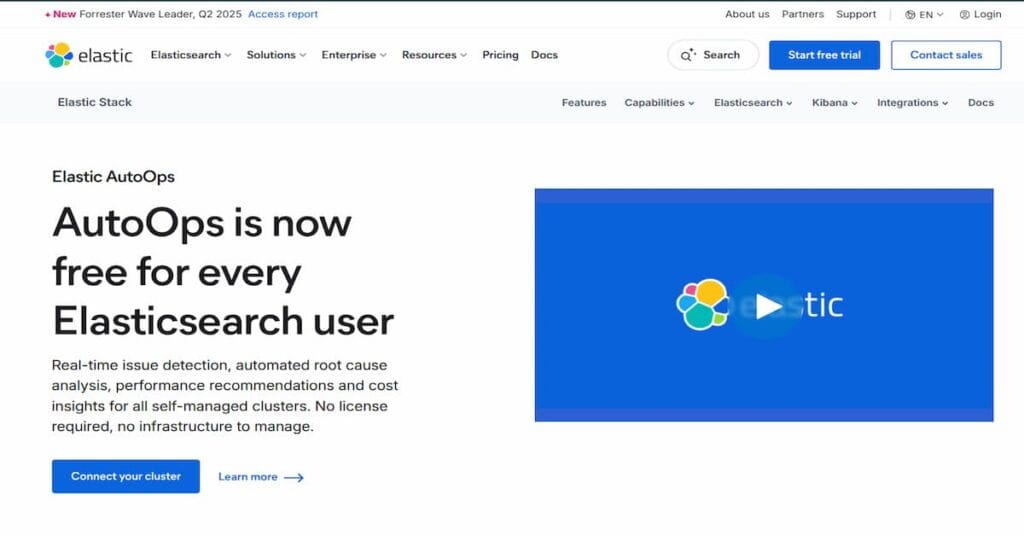
Elastic AutoOps is a cluster diagnostics and recommendation tool from Elastic. Elastic now says AutoOps is free for all self-managed Elasticsearch users.
What it monitors: Cluster health, resource issues, configuration problems, performance risks, and operational recommendations for Elasticsearch clusters.
How it works: AutoOps connects to self-managed Elasticsearch clusters, including ECK, ECE, and standalone clusters, then provides diagnostics, performance recommendations, and resolution paths.
Setup time: 5 to 15 minutes for a basic connection if cluster access and permissions are ready.
Pricing: Free for self-managed Elasticsearch users, according to Elastic’s current AutoOps page.
Deployment option: Cloud-connected Elastic service for self-managed Elasticsearch clusters.
Limitation: AutoOps is focused on Elasticsearch diagnostics and recommendations. It is not a full observability platform for application traces, infrastructure metrics, logs, RUM, synthetics, and cross-stack monitoring.
Best for: Teams running self-managed Elasticsearch who want Elastic-native diagnostics and recommended fixes without building their own runbooks.
10. ElastAlert 2
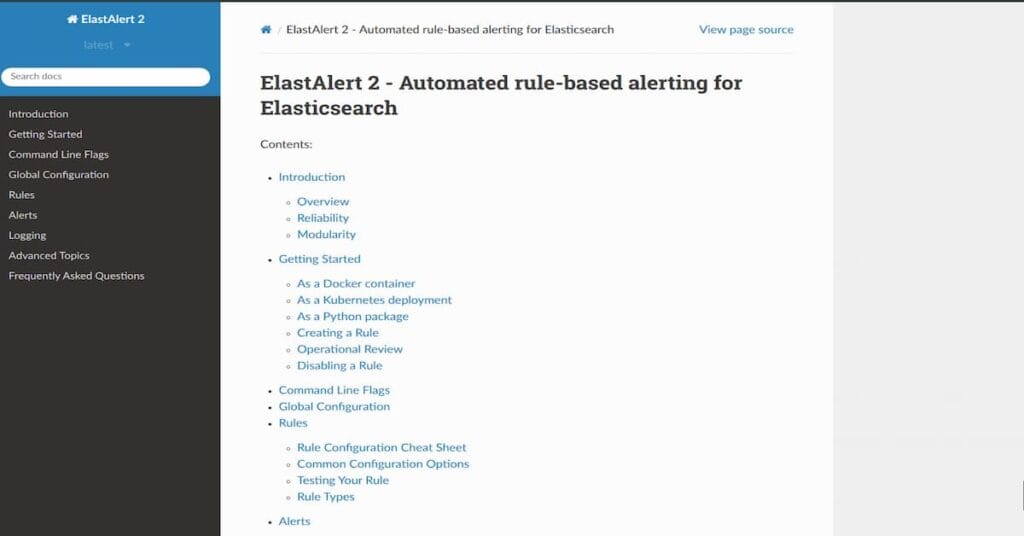
ElastAlert 2 is a free open-source alerting framework for Elasticsearch and OpenSearch. It is the community-maintained continuation of the original ElastAlert project.
What it does: ElastAlert 2 runs scheduled queries against Elasticsearch or OpenSearch and triggers alerts when rule conditions match, such as spikes, anomalies, missing events, error patterns, or threshold breaches.
Alert channels supported: ElastAlert supports many alerting destinations, including email, Slack, Jira, Opsgenie, PagerDuty, Microsoft Teams, custom commands, and webhooks.
Setup time: 1 to 2 hours for the first setup, including installation, connection configuration, and writing YAML alert rules.
Pricing: Free.
Deployment option: Self-hosted. You run and maintain the alerting service yourself.
Limitation: ElastAlert 2 is alerting only. It does not provide dashboards, long-term visualization, APM, infrastructure monitoring, or trace correlation.
Best for: Teams that already store metrics or logs in Elasticsearch and want flexible custom alerting without paying for a SaaS alerting layer.
How to Choose the Right Elasticsearch Monitoring Tool
Picking the wrong tool creates more work, not less. Use these criteria to narrow down your options:
Start with Kibana Stack Monitoring if:
- You are already running Kibana in your stack.
- You need zero-setup monitoring for cluster and index health.
- You are on the free or basic Elastic tier and do not need cross-cluster views.
Choose Prometheus + Grafana if:
- You want to unify Elasticsearch metrics with Kubernetes, infrastructure, and application metrics.
- Your team has experience managing self-hosted monitoring infrastructure.
- You need maximum dashboard flexibility and are comfortable writing PromQL queries.
Choose Datadog, New Relic, or Dynatrace if:
- You need a single SaaS platform for APM, logs, infrastructure, and Elasticsearch metrics.
- You want out-of-the-box anomaly detection and intelligent alerting without custom configuration.
- Your team values reduced operational overhead over cost control.
Choose Sematext or Opster AutoOps if:
- You want purpose-built Elasticsearch monitoring without building it yourself from scratch.
- Root cause analysis and Elasticsearch-specific guidance are important to you.
- You want a cost-effective SaaS option compared to Datadog.
Choose ElastAlert 2 if:
- You need rule-based alerting on data already stored in Elasticsearch.
- You want full control over alert logic without paying for a SaaS platform.
- You are comfortable writing YAML configuration files.
Choose CubeAPM if:
- You run Elasticsearch as part of a broader application stack and need end-to-end correlation between traces, metrics, and cluster health.
- You want full-stack APM and Elasticsearch monitoring in a single platform without per-host pricing.
- You prefer self-hosted or managed SaaS with no vendor lock-in, using OpenTelemetry-compatible instrumentation you already have.
Common Elasticsearch Monitoring Mistakes to Avoid
Even with a good tool in place, teams make these monitoring mistakes in production:
- Monitoring only the cluster level. Cluster health can show green while individual nodes are under heavy memory pressure. Always drill down to node-level JVM and disk metrics.
- Ignoring GC pause duration. A cluster with frequent long stop-the-world GC pauses will show slow queries even if heap usage looks acceptable. Track GC duration, not just frequency.
- Setting heap above 32 GB. The JVM compressed ordinary object pointer (OOP) optimization stops working above 31-32 GB of heap. Elasticsearch recommends setting heap to no more than 31 GB, or 50% of available RAM, whichever is lower.
- Not monitoring replica shard status. A cluster in yellow status is still serving queries, but it has lost redundancy. Any subsequent node failure will take the cluster to red.
- Using monitoring data from the same cluster. In production, route monitoring data to a dedicated monitoring cluster. If your operational cluster goes down under load, you lose the monitoring data that would help you diagnose it.
- Forgetting disk watermark thresholds. By default, Elasticsearch triggers the flood-stage watermark at 95% disk usage and blocks all writes. Set alerts well before that threshold, at 80-85%.
Conclusion
The best Elasticsearch monitoring tool for your team depends on what you are already running and what level of visibility you actually need. Kibana Stack Monitoring is the natural starting point if you are already in the Elastic ecosystem. Prometheus + Grafana is the right call for teams that want open-source flexibility and unified infrastructure monitoring. Datadog, New Relic, and Dynatrace reduce operational overhead but add per-host costs. Sematext and Opster AutoOps are the best purpose-built options if Elasticsearch-specific insight is the priority. And CubeAPM is the strongest choice for teams that need full-stack APM alongside Elasticsearch monitoring, without per-host fees or vendor lock-in.
Whichever tool you choose, make sure it covers all three layers of Elasticsearch observability: cluster and index metrics, JVM and OS metrics, and alerting. A tool that only shows you a green cluster status is not enough for production.
The goal is not just to know when something breaks, but to know it is about to break before your users ever notice.
Disclaimer
Tool features and pricing can change over time. Always check the official vendor pages before making a final decision.
Setup time and cost estimates are general ranges and may vary based on your Elasticsearch deployment, data volume, retention needs, and infrastructure size.
FAQs
1. What is Elasticsearch monitoring?
Elasticsearch monitoring is the process of tracking cluster health, node performance, indexing speed, search latency, shard status, JVM memory, disk usage, and errors to keep Elasticsearch stable and fast.
2. Why is Elasticsearch monitoring important?
Elasticsearch monitoring helps you catch slow queries, high memory usage, failed nodes, disk pressure, and shard problems before they cause downtime or poor search performance.
3. What are the most important Elasticsearch metrics to monitor?
The most important metrics are cluster health, node availability, JVM heap usage, garbage collection time, disk usage, shard allocation, search latency, indexing rate, rejected threads, and query errors.
4. How do you monitor Elasticsearch performance?
You can monitor Elasticsearch performance using Kibana Stack Monitoring, Prometheus exporters, Grafana dashboards, or full-stack observability tools that collect Elasticsearch metrics, logs, and application traces.
5. What causes Elasticsearch performance issues?
Common causes include high JVM heap usage, slow queries, too many shards, unbalanced shard allocation, disk saturation, heavy indexing load, rejected thread pools, and poorly designed mappings or queries.