









Kubernetes Pod Stuck in Init Container errors occur when initialization fails, leaving the main application container blocked from starting. With over 80% of organizations now running production workloads on Kubernetes, even small init failures can delay rollouts, cause downtime, and disrupt customer-facing services.
CubeAPM solves this by giving teams real-time visibility into Kubernetes events, init container logs, and correlated metrics. With smart alerting and contextual dashboards, CubeAPM helps engineers troubleshoot faster and prevent downtime before it impacts users.
In this guide, we’ll explain what the error means, why it happens, how to fix it, and how CubeAPM helps monitor and prevent it.
What is Pod Stuck in Init Container in Kubernetes
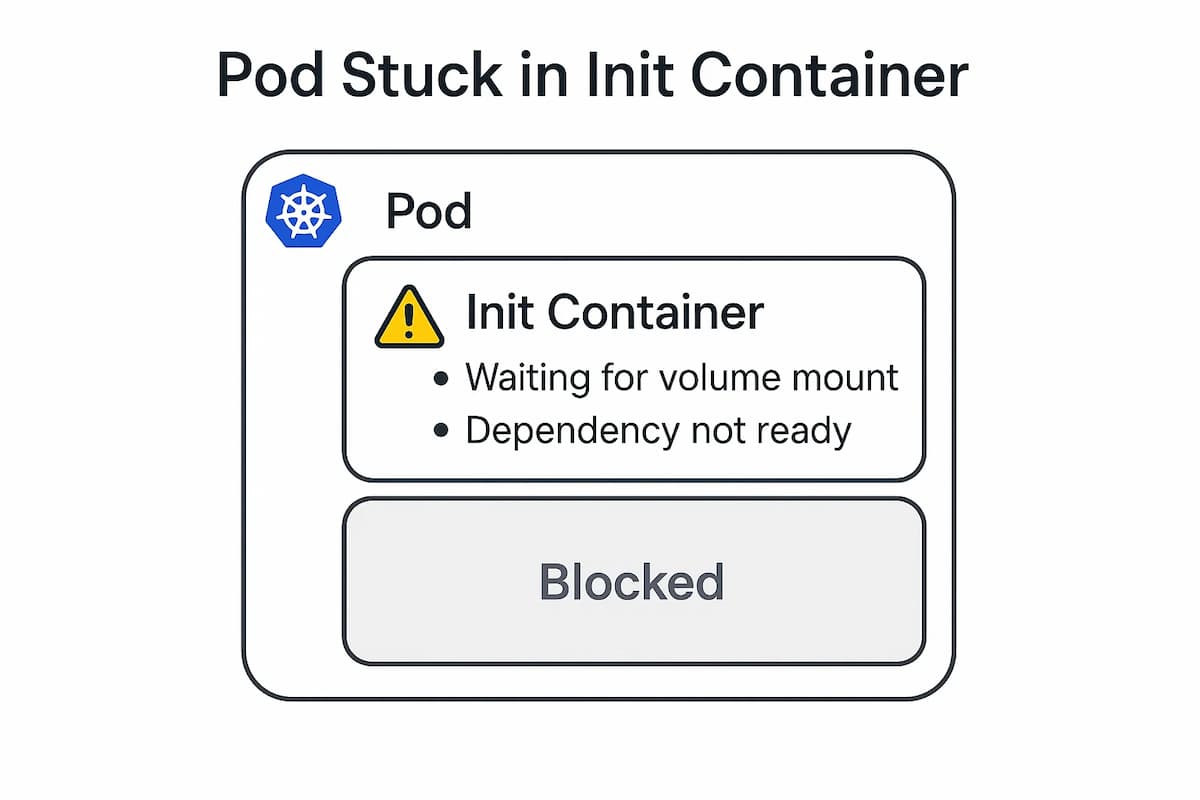
When a Pod is created in Kubernetes, it often runs init containers before starting the main application containers. These init containers handle setup work such as pulling configs, initializing databases, waiting for dependent services, or preparing storage volumes. Unlike regular containers, they must run sequentially and finish successfully before the Pod can transition into the Running phase.
A Pod is considered “stuck in init container” when one or more of these containers fail, restart repeatedly, or hang indefinitely. This traps the Pod in the Init state, preventing the main application containers from ever starting. For teams running production workloads, this can block deployments, trigger CI/CD rollbacks, and in some cases take critical services offline.
Let’s break it down further:
Init Containers in Kubernetes
Init containers are purpose-built containers that execute before the main app. They typically handle tasks such as setting permissions, injecting configuration files, or validating dependencies. Since they always run to completion before app containers, they act as gatekeepers for the Pod lifecycle.
What “Stuck” Means
Being “stuck” means the init container either crashes, loops endlessly, or never signals completion. From Kubernetes’ perspective, the Pod remains in a waiting state until that init container exits cleanly. If it never does, the application containers will never start.
Why It Matters
When init containers fail, they block the entire Pod. This can delay releases, reduce cluster efficiency, and interrupt production services. For example, a microservice waiting for a database schema to be initialized may never go live, leaving upstream services broken and users experiencing downtime.
Why Pod Stuck in Init Container in Kubernetes Happens
Pods often get stuck in the init container phase when something prevents the container from completing its setup task. These issues usually come from image problems, misconfigured specs, resource shortages, or dependency failures. Here are the most common causes and how to identify them:
1. Invalid Image or Pull Errors
If the init container image name is incorrect, the tag doesn’t exist, or the registry is unreachable, Kubernetes cannot start the container. This is one of the most common issues in production clusters, especially when using private registries without proper pull secrets.
Quick check:
kubectl describe pod <pod-name>
If you see ErrImagePull or ImagePullBackOff, the init container is failing because the image cannot be pulled.
2. Misconfigured Commands or Entrypoints
Init containers often run setup scripts or commands. If the command or args fields point to binaries that don’t exist, or if permissions are missing, the container exits immediately. This usually happens when teams modify Dockerfiles or override commands in the Pod spec.
Quick check:
kubectl logs <pod> -c <init-container> --previousErrors like exec: not found or permission denied indicate an invalid entrypoint or misconfigured startup command.
3. Resource Requests or Limits Too Low
If an init container doesn’t have enough CPU or memory, it may fail under load or get killed before completing. Since init containers often run setup tasks like extracting archives or running migrations, they may need more resources than the main application container.
Quick check:
kubectl describe pod <pod-name>
Events showing OOMKilled or insufficient cpu mean the init container is running out of resources.
4. Dependency Failures or Timeouts
Init containers frequently depend on external services like databases, APIs, or secret stores. If these dependencies are unavailable or respond too slowly, the init container may keep retrying and never succeed. This is especially common in multi-service deployments where startup order isn’t well defined.
Quick check: check logs for repeated connection attempts, connection refused, or timeout messages.
5. Volume or Secret Mount Issues
Init containers often rely on mounted resources like ConfigMaps, Secrets, or PVCs. If those objects are missing, misnamed, or misconfigured, the container won’t start properly. This can also happen if permissions are set incorrectly for the mounted files.
Quick check:
kubectl get pvc

kubectl get configmap

kubectl get secret
Missing resources or mount-related warnings will show up in the Pod events.
How to Fix Pod Stuck in Init Container in Kubernetes
1. Fix invalid image or registry credentials
Bad image names, missing tags, or broken registry credentials prevent the init container from starting. Double-check the image repo and tag, and make sure the registry is reachable with the right pull secret.
Check:
kubectl describe pod <pod>   # look for ErrImagePull/ImagePullBackOff

kubectl get secret <pull-secret> -n <ns>
Fix: Correct the image reference in the Pod or Deployment spec and attach a valid imagePullSecret.
2. Correct misconfigured command or entrypoint
If command or args point to a binary or script that doesn’t exist, the init container crashes instantly. This is common when overriding Dockerfile defaults.
Check:
kubectl logs <pod> -c <init-container> --previous
Look for exec: not found or permission denied.
Fix: Run the image locally to confirm the entrypoint, then update the Pod spec to use a valid path or script.
3. Increase CPU or memory for heavy init work
Init containers running migrations, extracting archives, or installing packages can exceed their CPU/memory limits and get killed.
Check:
kubectl describe pod <pod>
Look for OOMKilled or insufficient cpu.
Fix: Raise the resource requests and limits in the init container spec so it can complete reliably.
4. Resolve dependency failures or timeouts
Init containers that wait for external services like databases, APIs, or secret stores can get stuck if those services are down or slow to respond.
Check: review logs for repeated connection attempts, timeouts, or refused connections.
Fix: Add retries with backoff to the init logic, confirm the dependency is reachable from the Pod’s namespace, and consider gating startup with readiness checks.
5. Validate volumes and secret mounts
Missing PVCs, ConfigMaps, or Secrets break init containers that rely on mounted files.
Check:
kubectl get pvc,cm,secret -n <ns>
If events mention “not found” or “unable to mount,” the resource is missing or misnamed.
Fix: Ensure the objects exist with the correct names and keys, and verify the mount paths match what the init container expects.
6. Ensure init containers complete cleanly
Since init containers run in order, one that never exits will block the rest and keep the Pod stuck.
Check:
kubectl get pod <pod> -o jsonpath='{.status.initContainerStatuses[*].state}'
Fix: Remove infinite sleep loops or add timeouts so each init step exits successfully once its job is done.
7. Address policy or permission issues
Security policies or file permissions can stop init containers from running correctly.
Check: Look for errors such as permission denied or operation not permitted in events and logs.
Fix: Adjust securityContext to set the right user ID or file access, and ensure mounted directories are writable if needed.
Monitoring Pod Stuck in Init Container in Kubernetes with CubeAPM
Fixing a stuck init container once is good; preventing repeats is better. CubeAPM ingests Kubernetes events, metrics, and logs so you can see why a Pod is trapped in Init, correlate the failure to the rollout that caused it, and alert before users feel it.
1. Install CubeAPM on your cluster
Add the Helm repo, pull a values.yaml, edit as needed (storage, auth, retention), and install:
helm repo add cubeapm https://charts.cubeapm.com

helm repo update cubeapm

helm show values cubeapm/cubeapm > values.yaml

# edit values.yaml

helm install cubeapm cubeapm/cubeapm -f values.yaml
2. Deploy the OpenTelemetry Collector (daemonset + deployment)
CubeAPM recommends running both modes:
- Daemonset for node, kubelet, container metrics and log collection
- Deployment for Kubernetes Events and cluster-level metrics
helm repo add open-telemetry https://open-telemetry.github.io/opentelemetry-helm-charts

helm repo update open-telemetry


# apply configs for daemonset and deployment

helm install otel-collector-daemonset open-telemetry/opentelemetry-collector -f otel-collector-daemonset.yaml

helm install otel-collector-deployment open-telemetry/opentelemetry-collector -f otel-collector-deployment.yaml
3. Point the Collector to CubeAPM for metrics, logs, and events
In the daemonset config, enable presets for kubernetesAttributes, hostMetrics, kubeletMetrics, and logsCollection, and send to CubeAPM’s OTLP HTTP endpoints for metrics and logs.
In the deployment config, enable kubernetesEvents and clusterMetrics, and export events as logs to CubeAPM.
4. Verify data flow (events, logs, metrics)
- Events: ensure event payloads such as Init:CrashLoopBackOff, FailedMount, or ImagePullBackOff are reaching CubeAPM.
- Logs: confirm that init container logs are collected, making errors like exec: not found searchable.
- Metrics: validate Kubernetes object metrics are flowing to CubeAPM for dashboards and alerts.
5. Create dashboards to spot “stuck in init” quickly
Build panels showing init container waiting states, restarts, and resource usage alongside node and pod health. Metrics like kube_pod_init_container_status_waiting and kube_pod_init_container_status_restarts_total are especially useful.
6. Configure descriptive alert rules
CubeAPM supports alerts based on events, logs, and metrics. For init containers, useful alerts include:
- CrashLoopBackOff alerts → catch init containers that fail repeatedly due to bad entry points or scripts.
- OOMKilled alerts → highlight when init containers exceed memory limits.
- Waiting too long alerts → detect Pods stuck in initialization due to image pulls, mounts, or dependencies.
- Frequent restart alerts → flag flapping init containers that restart multiple times within a short window.
7. Route alerts to your team
Send alerts to Email, Slack, PagerDuty, or Google Chat so that stuck init containers are flagged immediately to the right people.
Example Alert Rules
1. Init Container CrashLoopBackOff
This alert triggers when an init container repeatedly crashes and enters a CrashLoopBackOff state. It’s useful for catching bad entrypoints, missing scripts, or broken setup commands before they block a rollout.
- alert: InitContainerCrashLoopBackOff

  expr: kube_pod_init_container_status_waiting_reason{reason="CrashLoopBackOff"} > 0

  for: 3m

  labels:

    severity: critical

  annotations:

    summary: "Init container in CrashLoopBackOff"

    description: "Init container {{ $labels.container }} in pod {{ $labels.pod }} is stuck in CrashLoopBackOff in namespace {{ $labels.namespace }}."
2. Init Container OOMKilled
This alert fires when an init container is killed because it exceeded its memory limit. It helps detect heavy initialization tasks, like migrations or file extractions, that require more resources than defined.
- alert: InitContainerOOMKilled

  expr: kube_pod_init_container_status_terminated_reason{reason="OOMKilled"} > 0

  for: 2m

  labels:

    severity: warning

  annotations:

    summary: "Init container OOMKilled"

    description: "Init container {{ $labels.container }} in pod {{ $labels.pod }} was OOMKilled due to insufficient memory."
3. Init Container Stuck Waiting
This alert identifies init containers that remain in a Waiting state for too long. It usually points to issues with image pulls, volume mounts, or dependencies not being ready.
- alert: InitContainerStuckWaiting

  expr: max_over_time(kube_pod_init_container_status_waiting[5m]) >= 1

  for: 3m

  labels:

    severity: critical

  annotations:

    summary: "Init container stuck waiting"

    description: "Pod {{ $labels.pod }} init container {{ $labels.container }} has been waiting too long in namespace {{ $labels.namespace }}."
Conclusion
When a Pod gets stuck in its init container, the entire workload fails to start, blocking deployments and causing service outages. The most common culprits are invalid images, misconfigured commands, low resource limits, missing volumes, or dependencies that aren’t ready.
These issues can usually be fixed quickly by validating Pod specs, checking logs, and ensuring dependencies and resources are correctly configured. However, preventing them in production requires more than just ad-hoc fixes.
With CubeAPM, teams gain real-time visibility into Kubernetes events, init container logs, and metrics, enabling them to detect problems early, set proactive alerts, and reduce rollout failures. By monitoring init containers continuously, CubeAPM ensures smoother deployments and more reliable Kubernetes operations.